Settings
The Settings screen allows you to make changes to your look and feel, reset the password, report objectionable content, delete your account, logout, and more.
Accessing Settings
To access these services, click on the Gear icon (in either mobile or web versions) to display the Settings menu item:
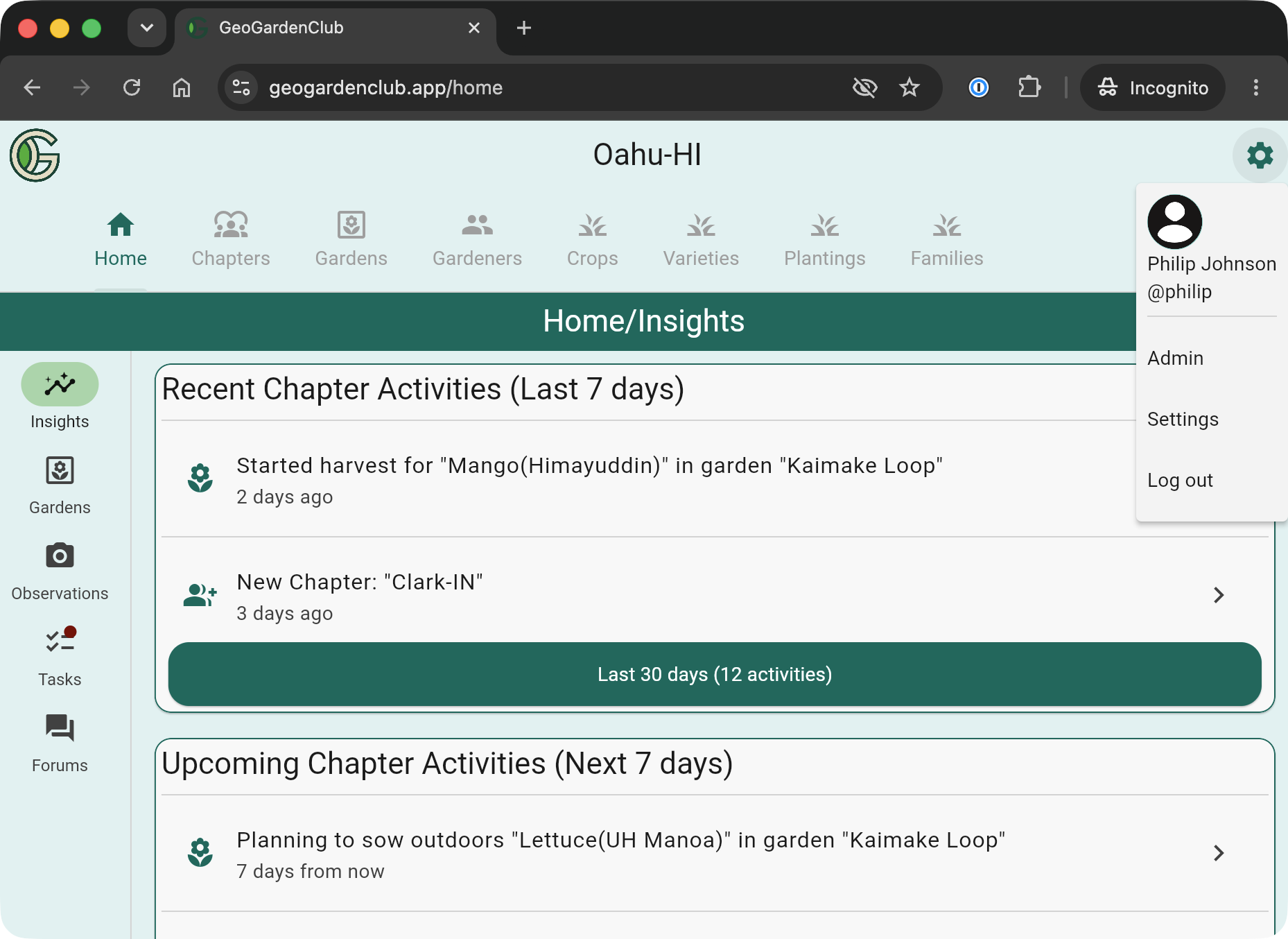
Now select Settings to reveal the Settings screen:
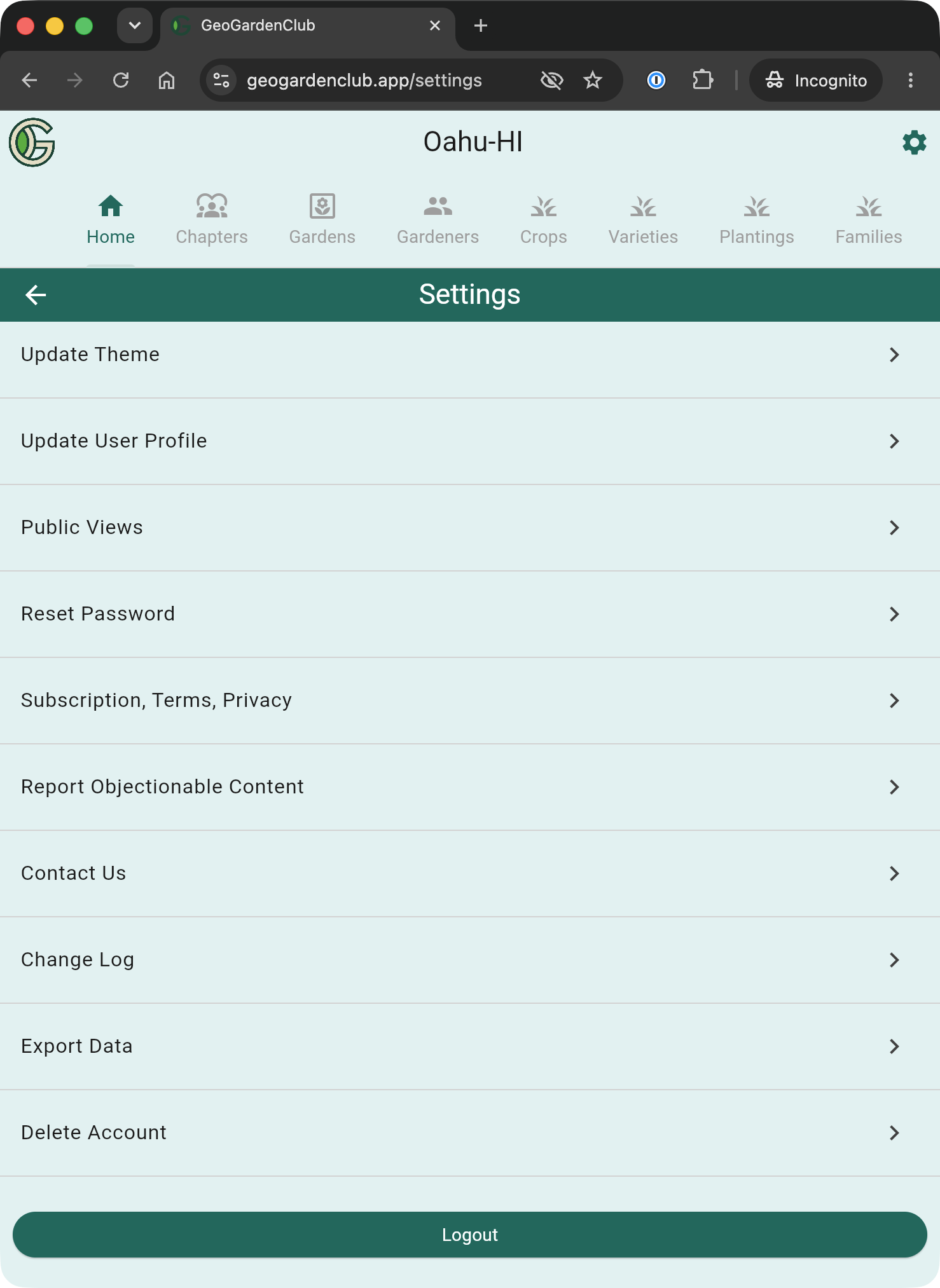
Let's look at each Settings option.
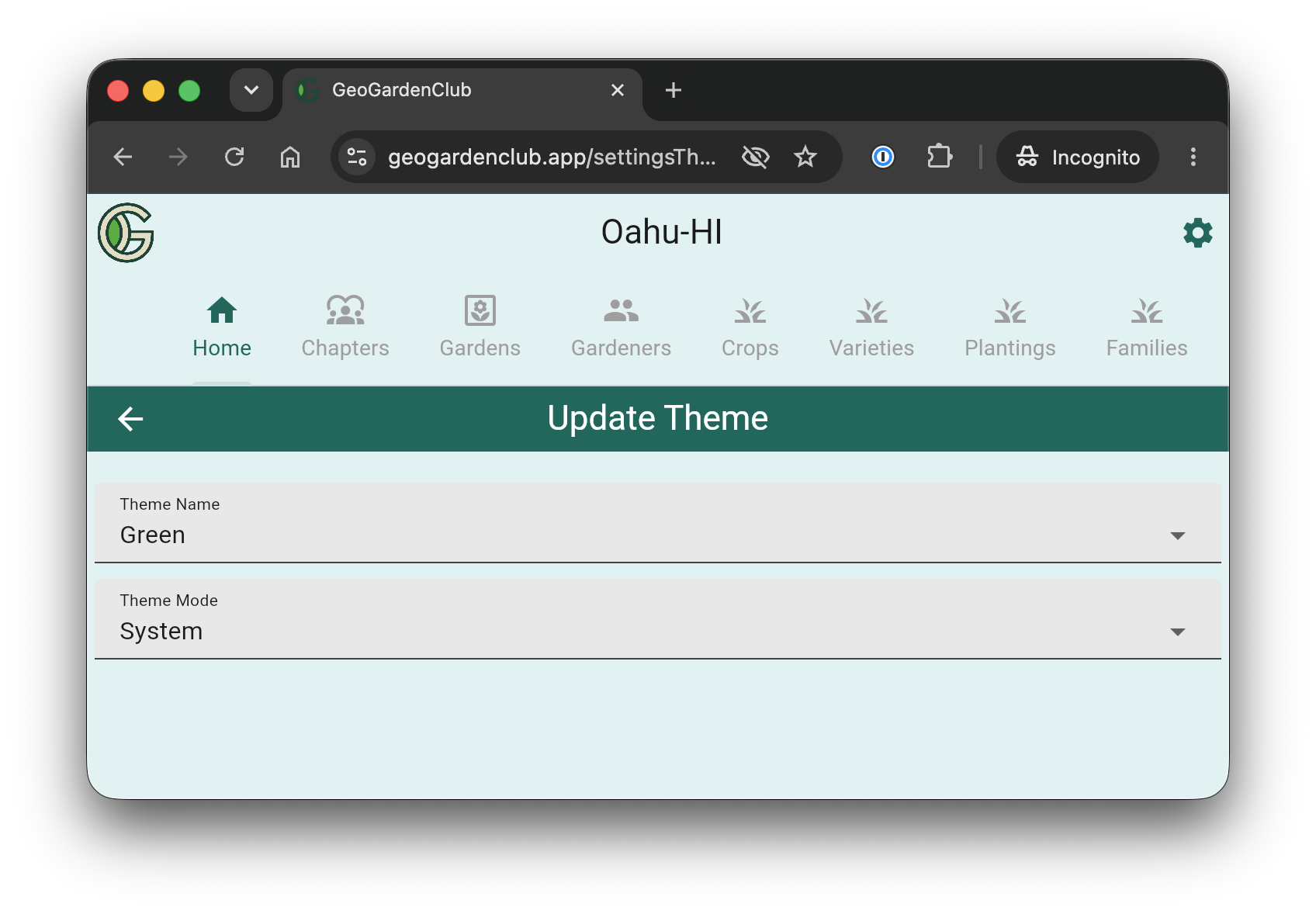
Update Theme
Configure the colors and light/dark mode.
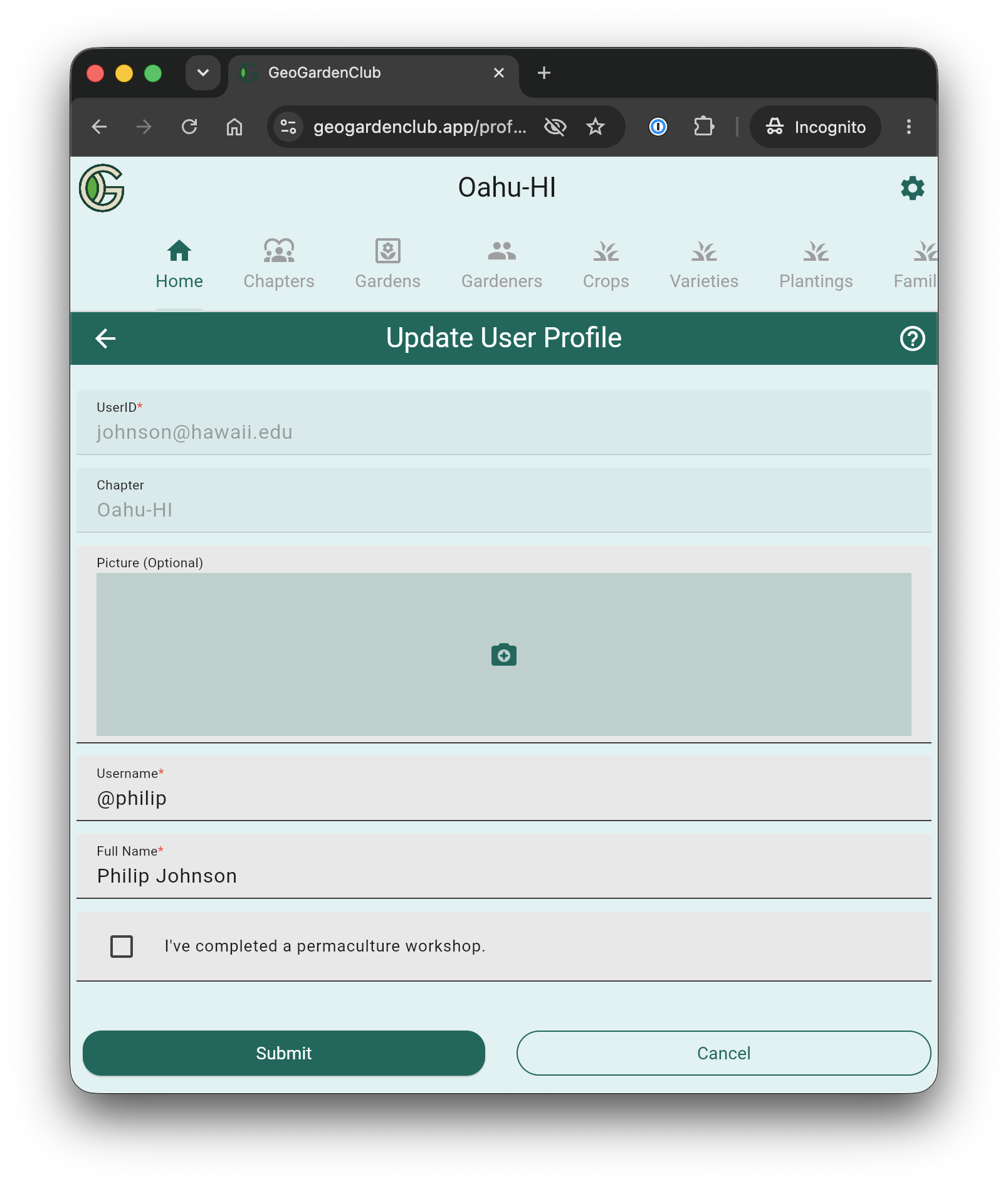
Update User Profile
Change your username, your profile picture, and more:
Public Views
Enable or disable a public view for one or more of your gardens:
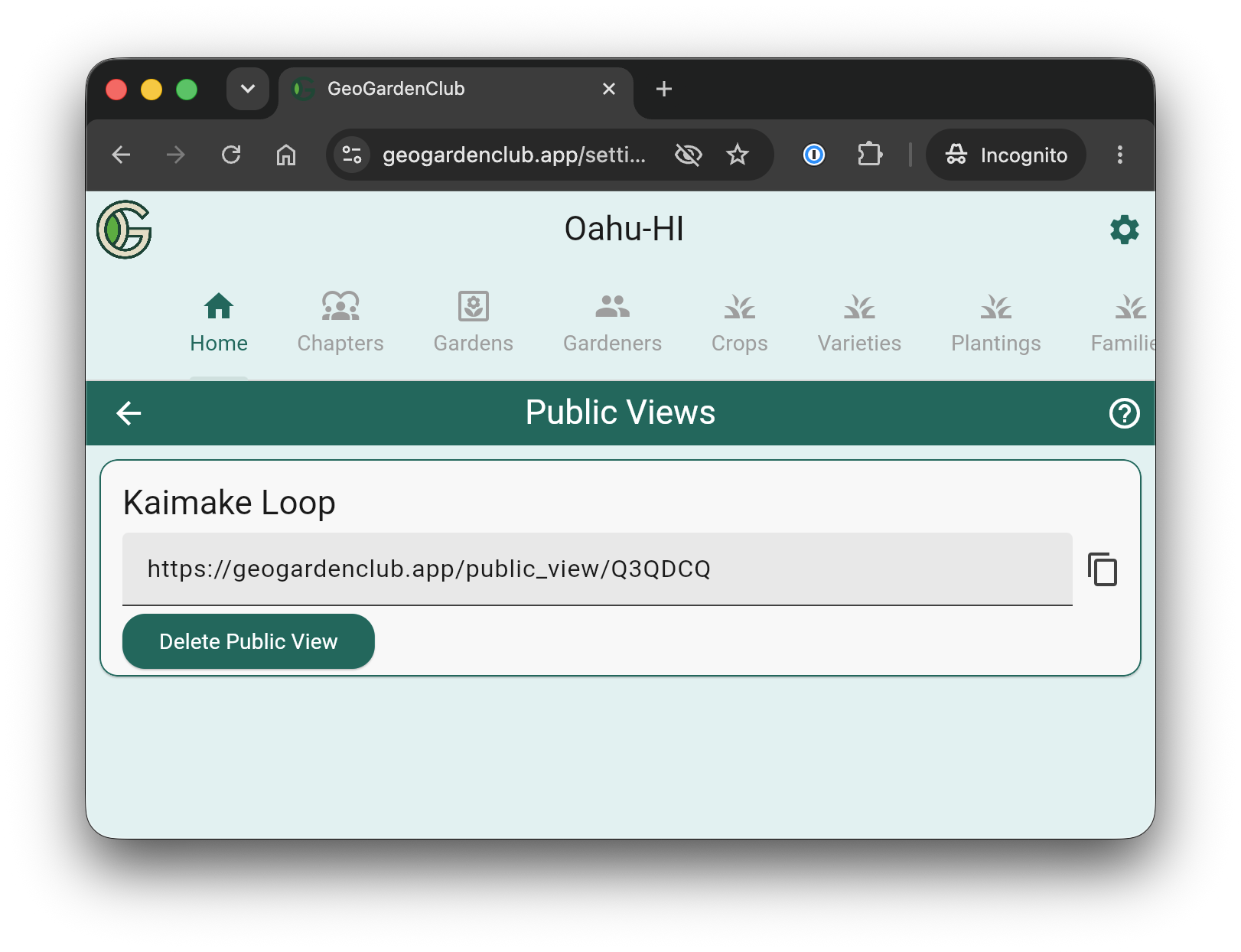
For more details, see the Public View chapter.
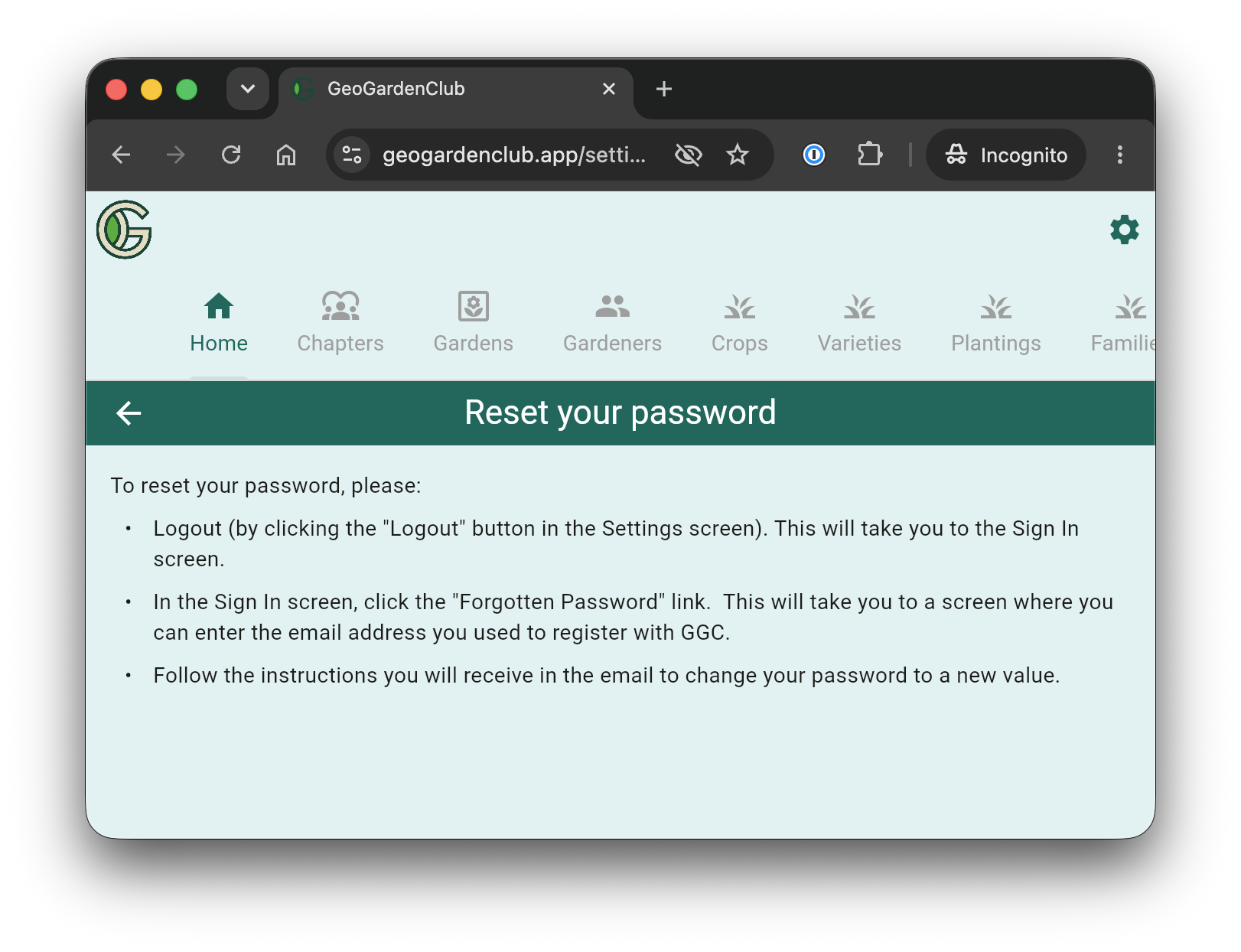
Reset Password
How to reset your password.
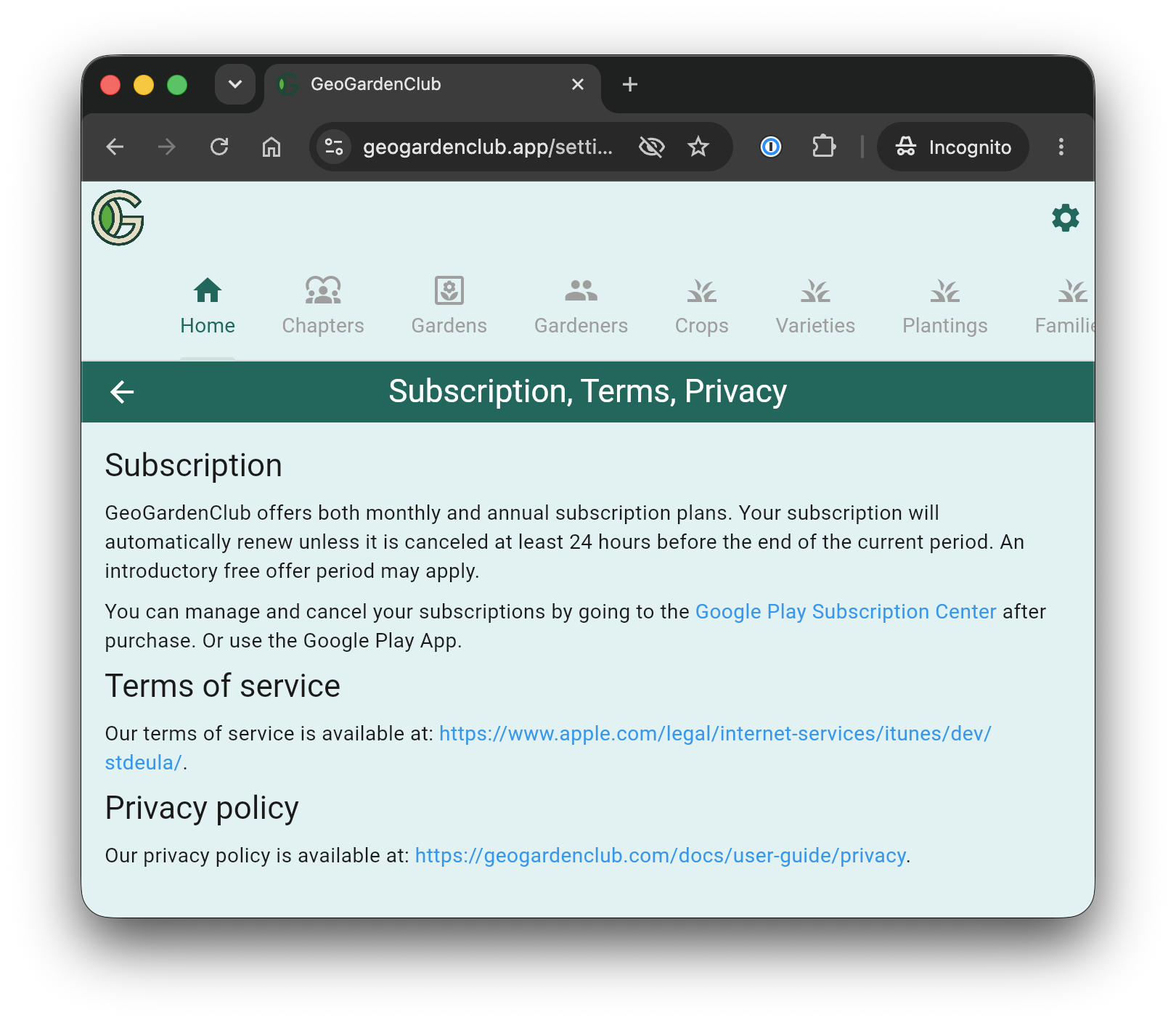
Subscription, Terms, Privacy
Details on GeoGardenClub policies:
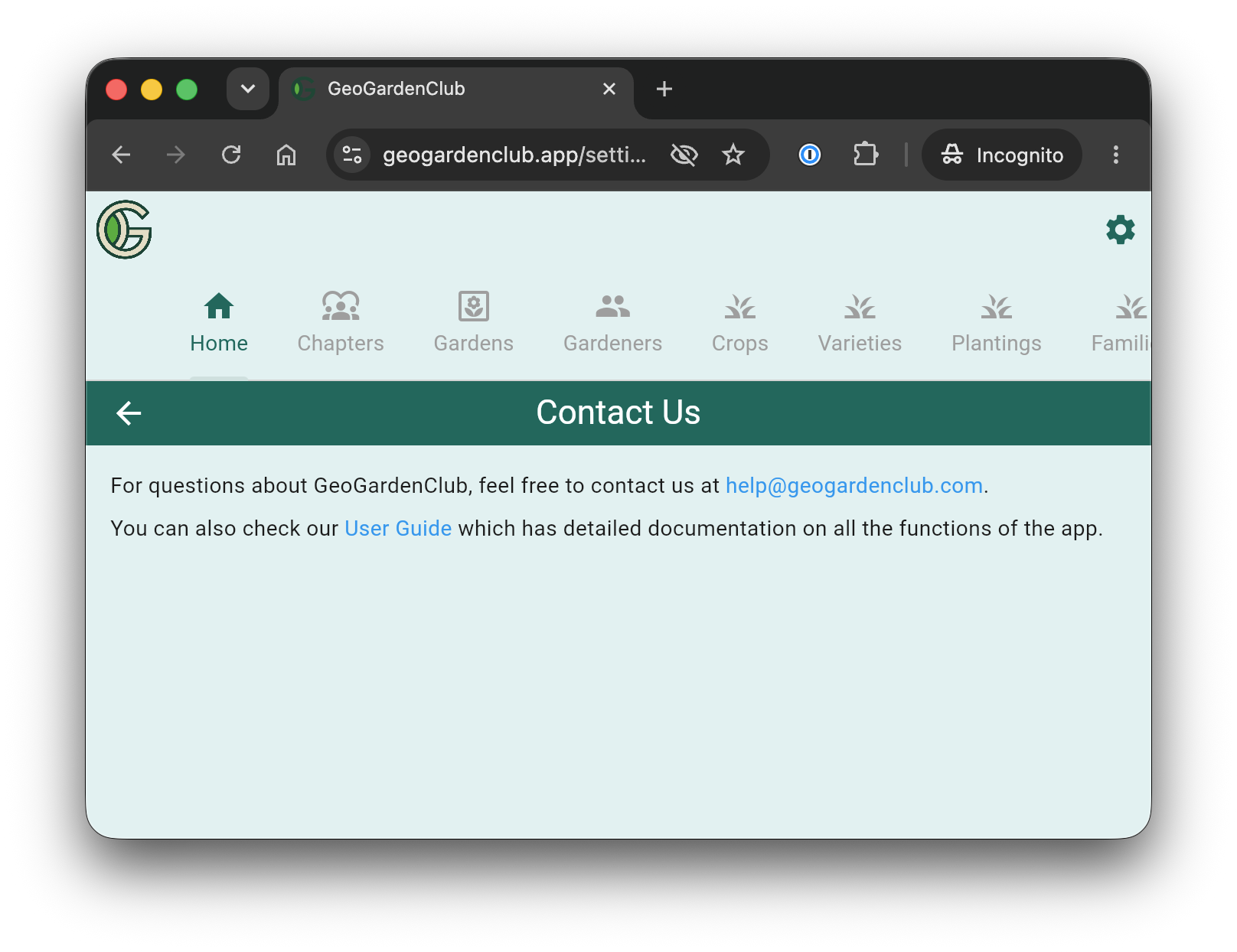
Contact Us
We'd love to hear from you!
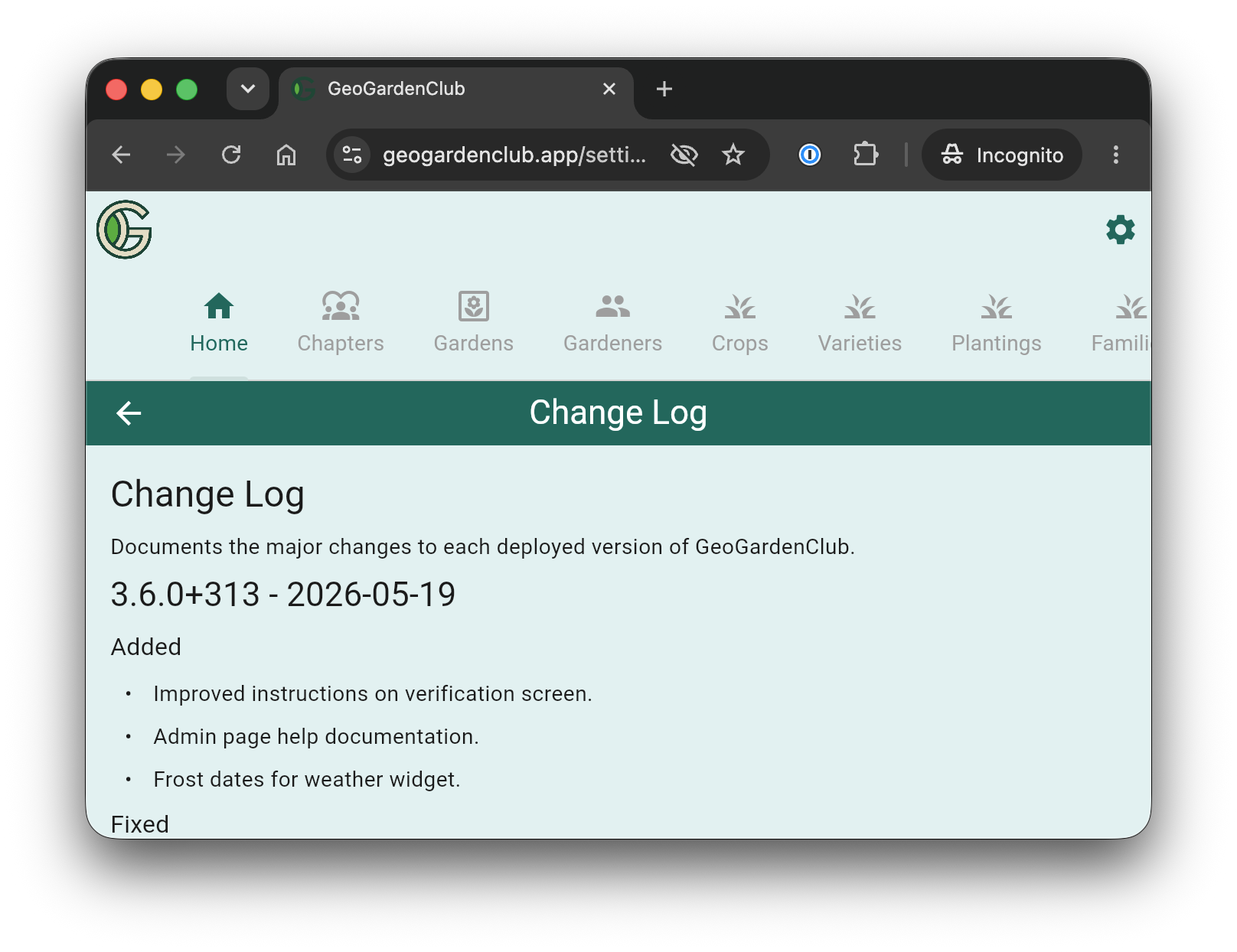
Change Log
Details on what changes in each release of GeoGardenClub's app:
Export Data
How to export your data from the app.
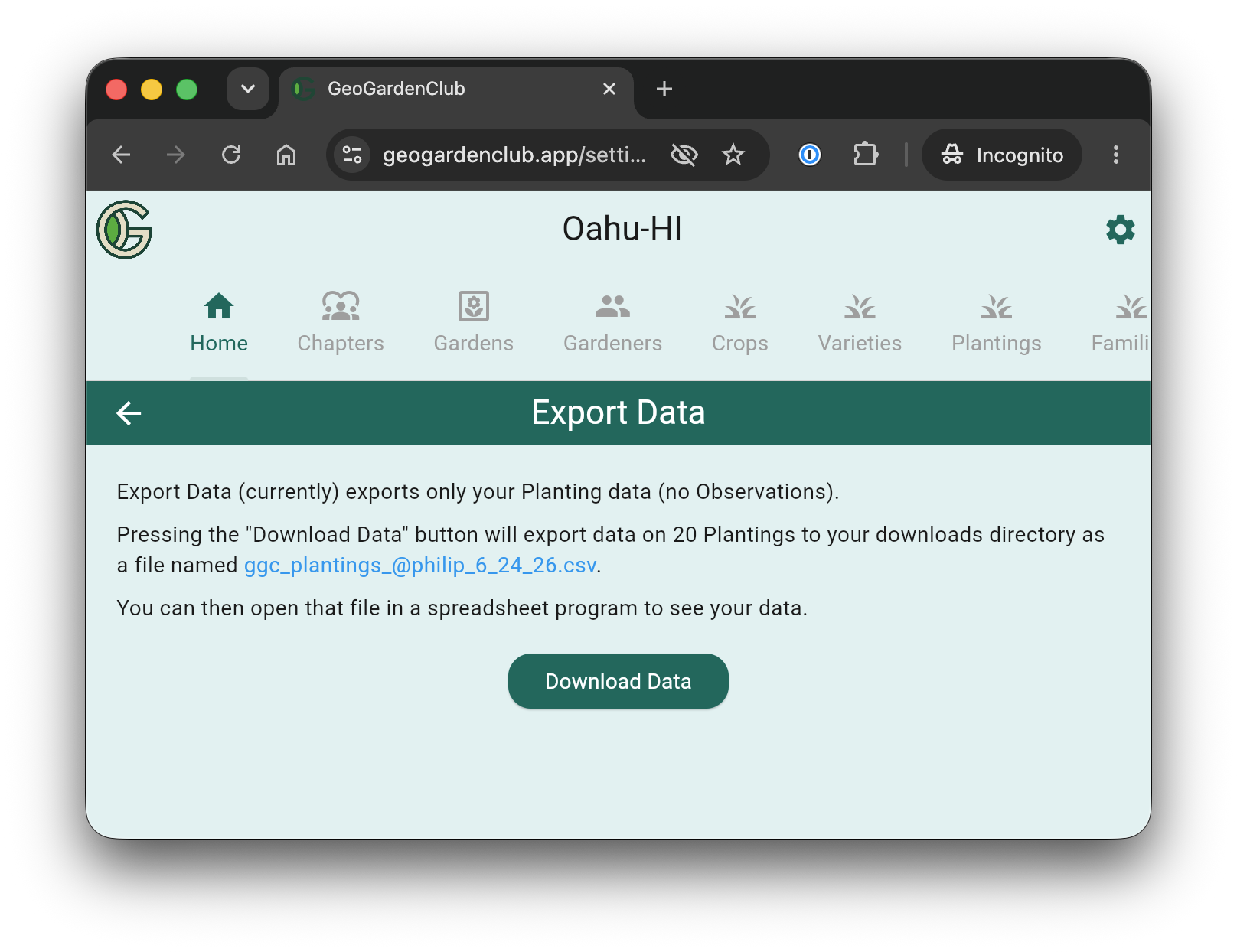
For more details, see the Export Data chapter.
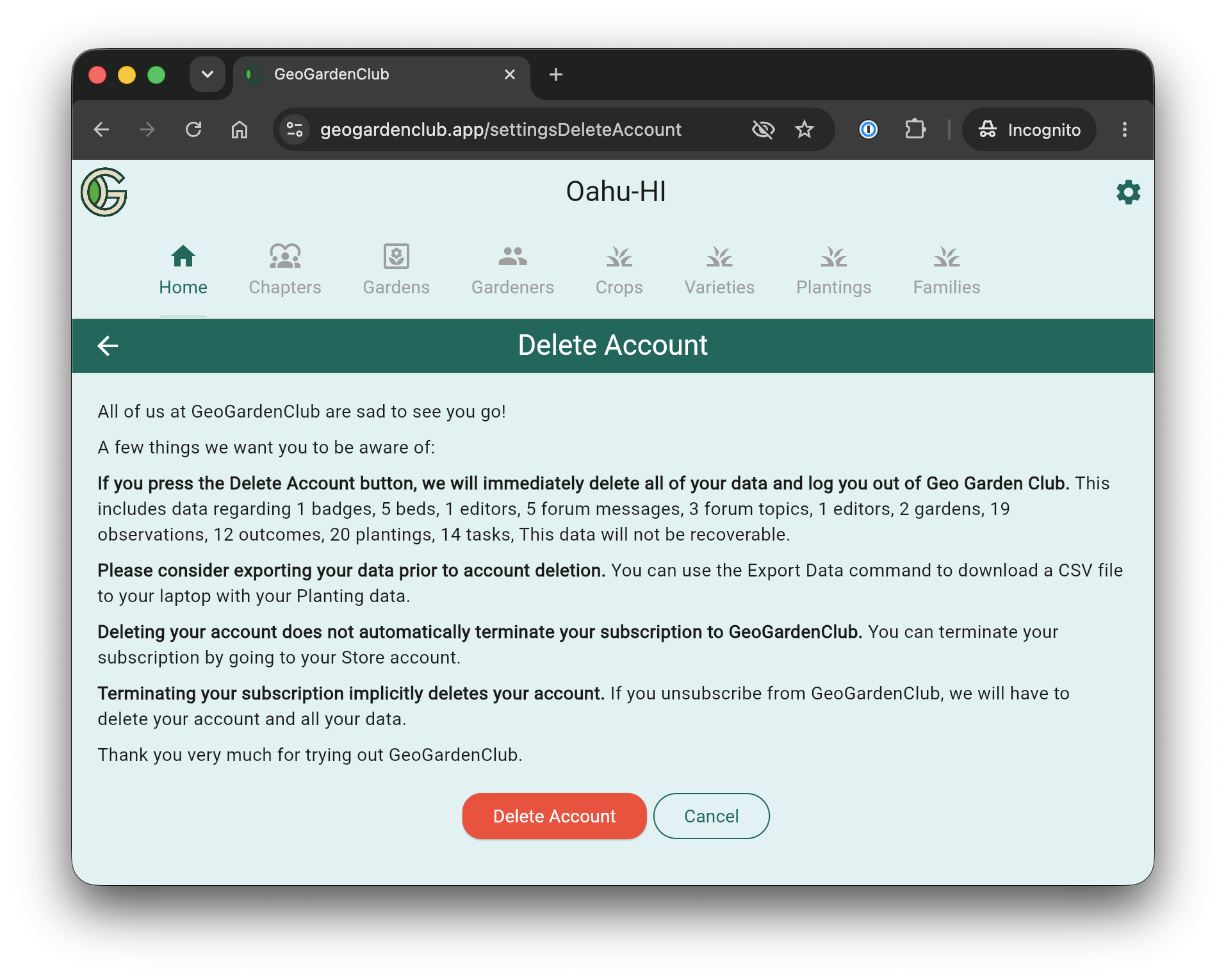
Delete Acccount
How to delete your account. Please export your data first!