Private Messages
Private Messages
While Forums allow you to communicate publicly with all members of your Chapter, Private Messages allow you to privately communicate with a single member of the Chapter.
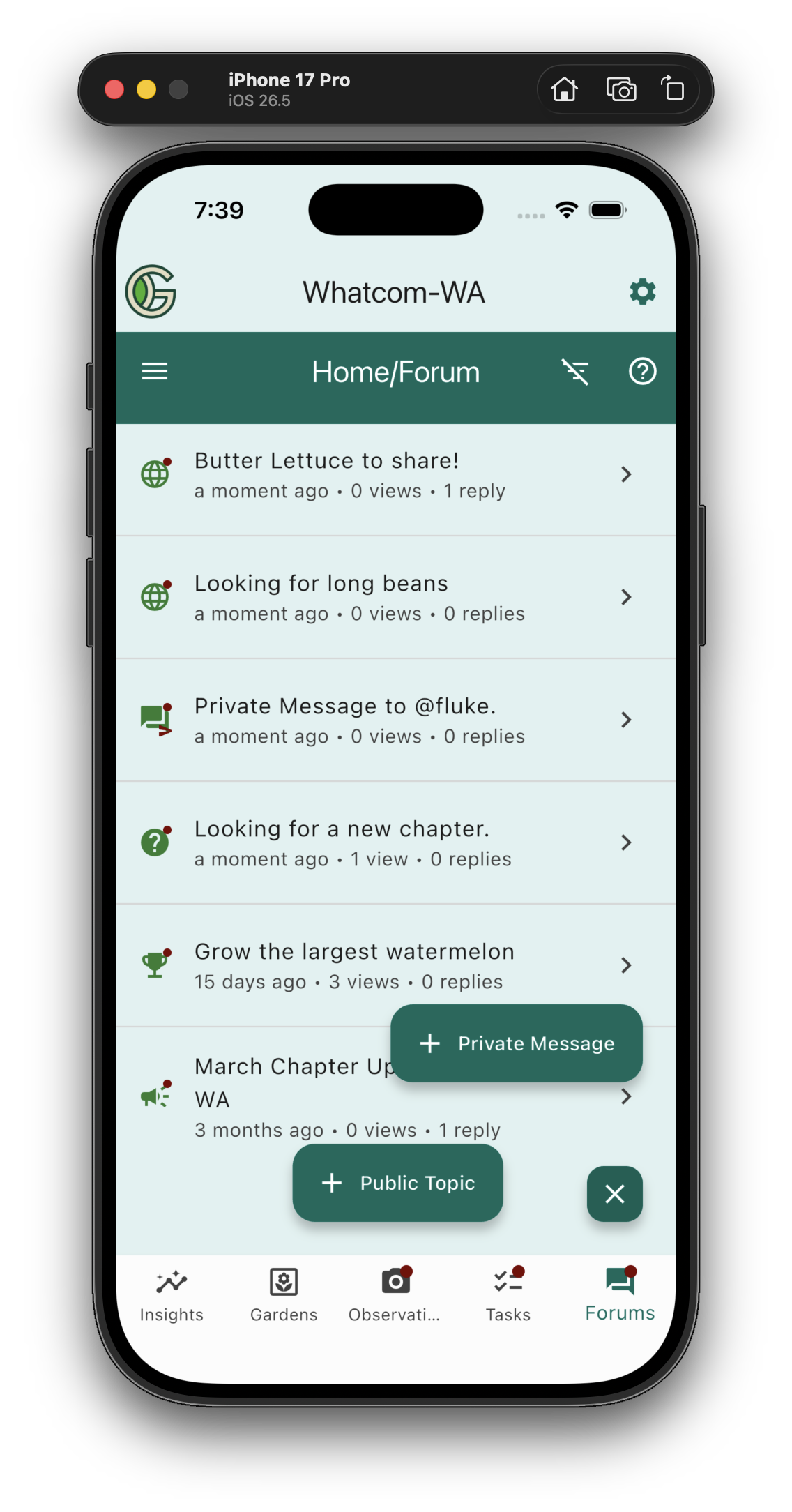
There are two ways to initiate a Private Message with another Chapter member. One way is to go to the Forums page, then tap on the "+" button and press "+ Private Message".
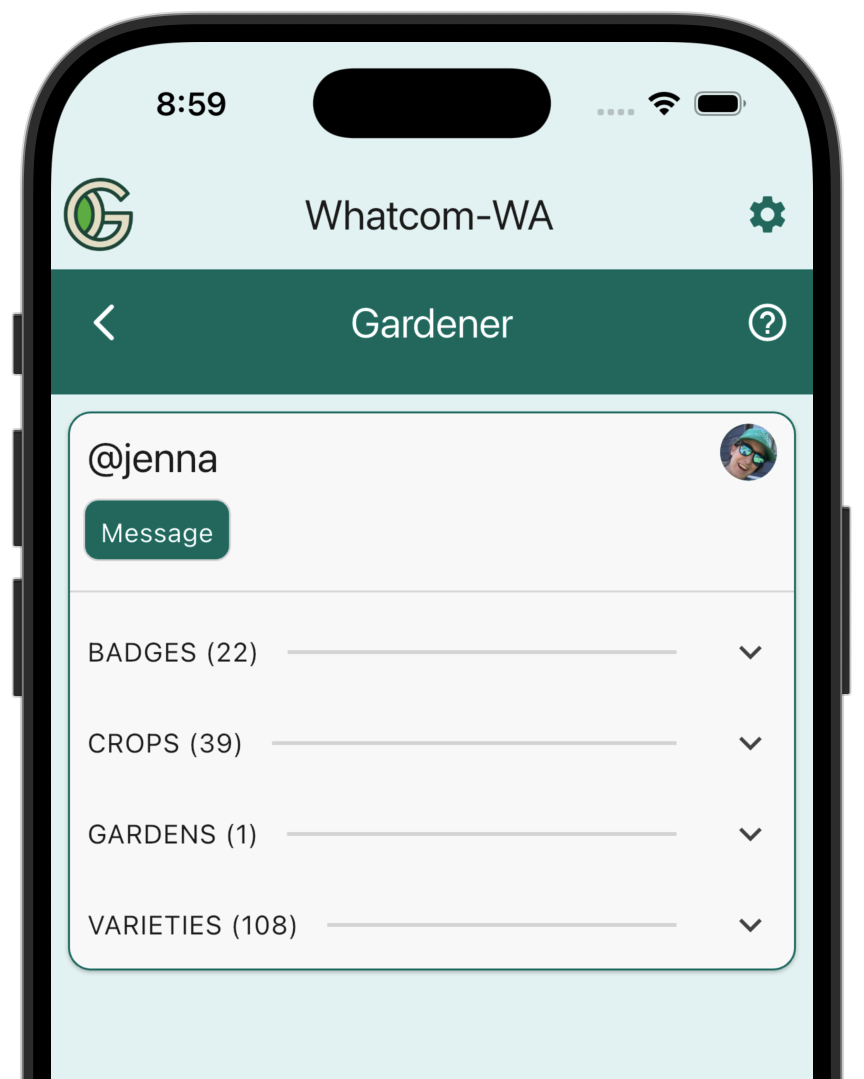
A second way is to tap a member's Gardener chip to bring up their card, then tap the "Message" chip:
Whichever way you choose, the result is to bring up the Create Private Message screen:
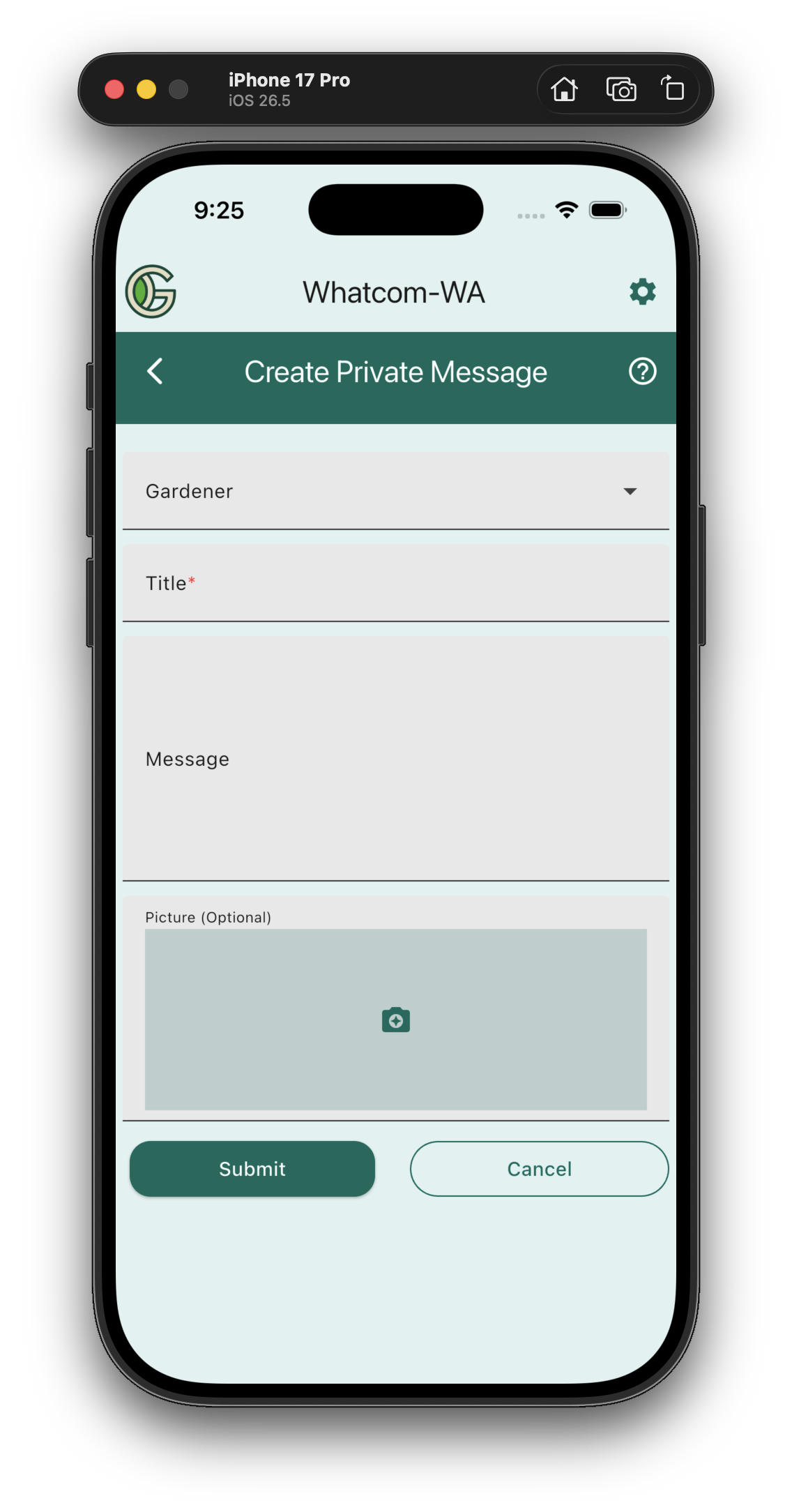
First select the gardener you want to message (if you got here by tapping the gardener's Message chip, then the gardener is pre-selected for you). You can only send private messages to gardeners in your chapter.
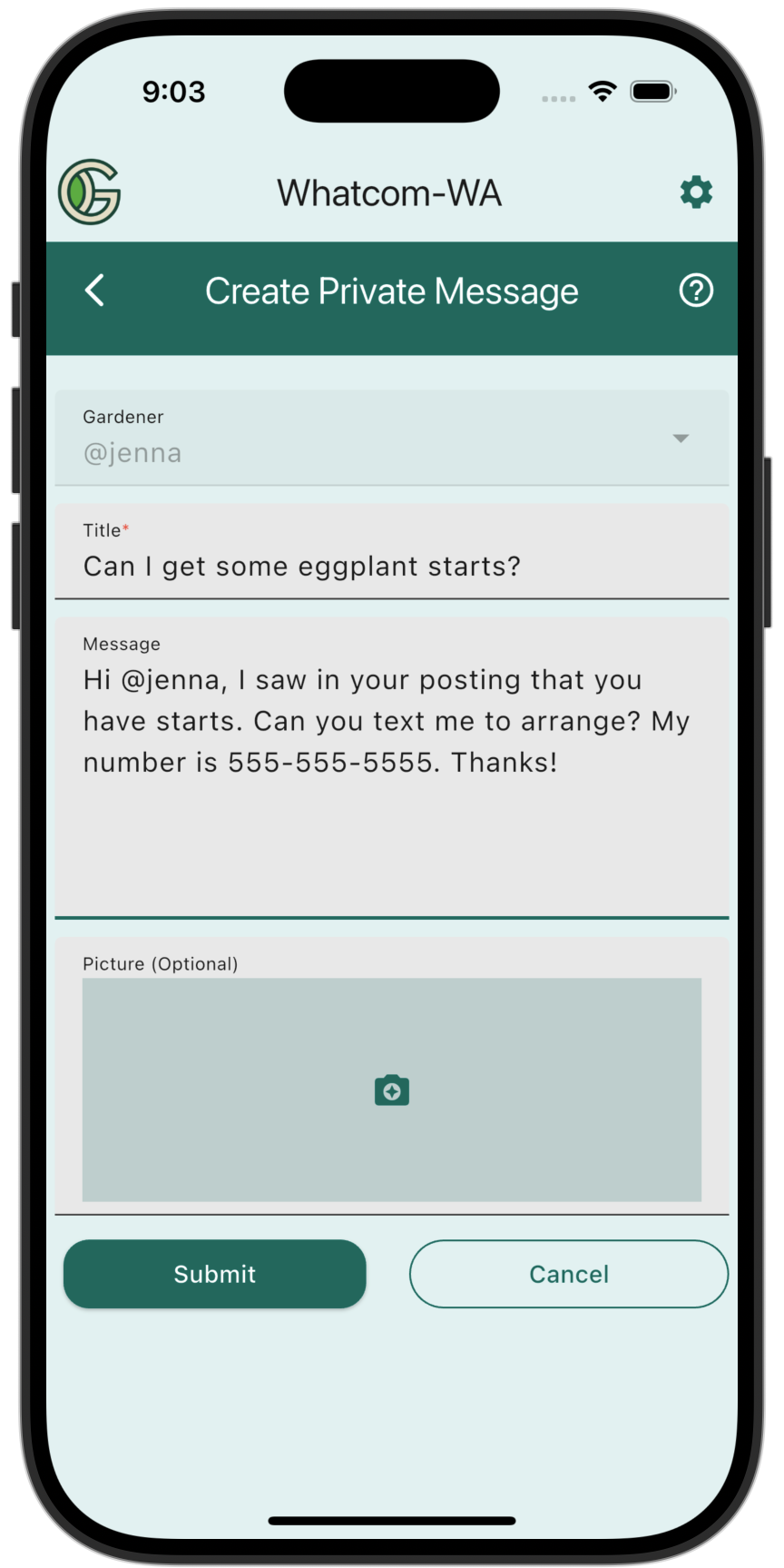
Then fill out the title, message, and (optional) photo. The private message will be visible to you and the recipient, but not to other chapter members. For example:
Once you send the message, it will be visible in the Forums page:
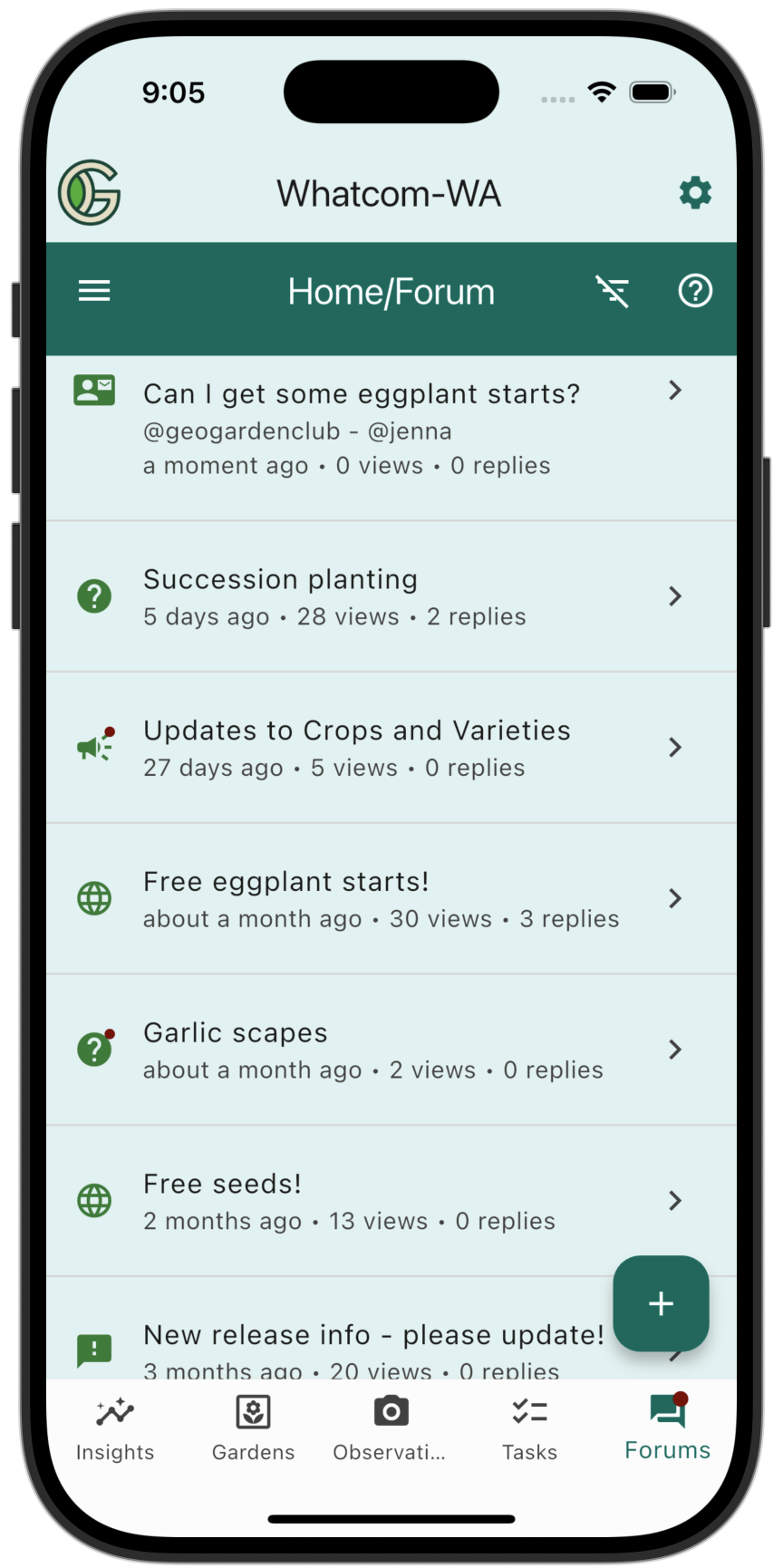
And you can click on it to see the message you sent:
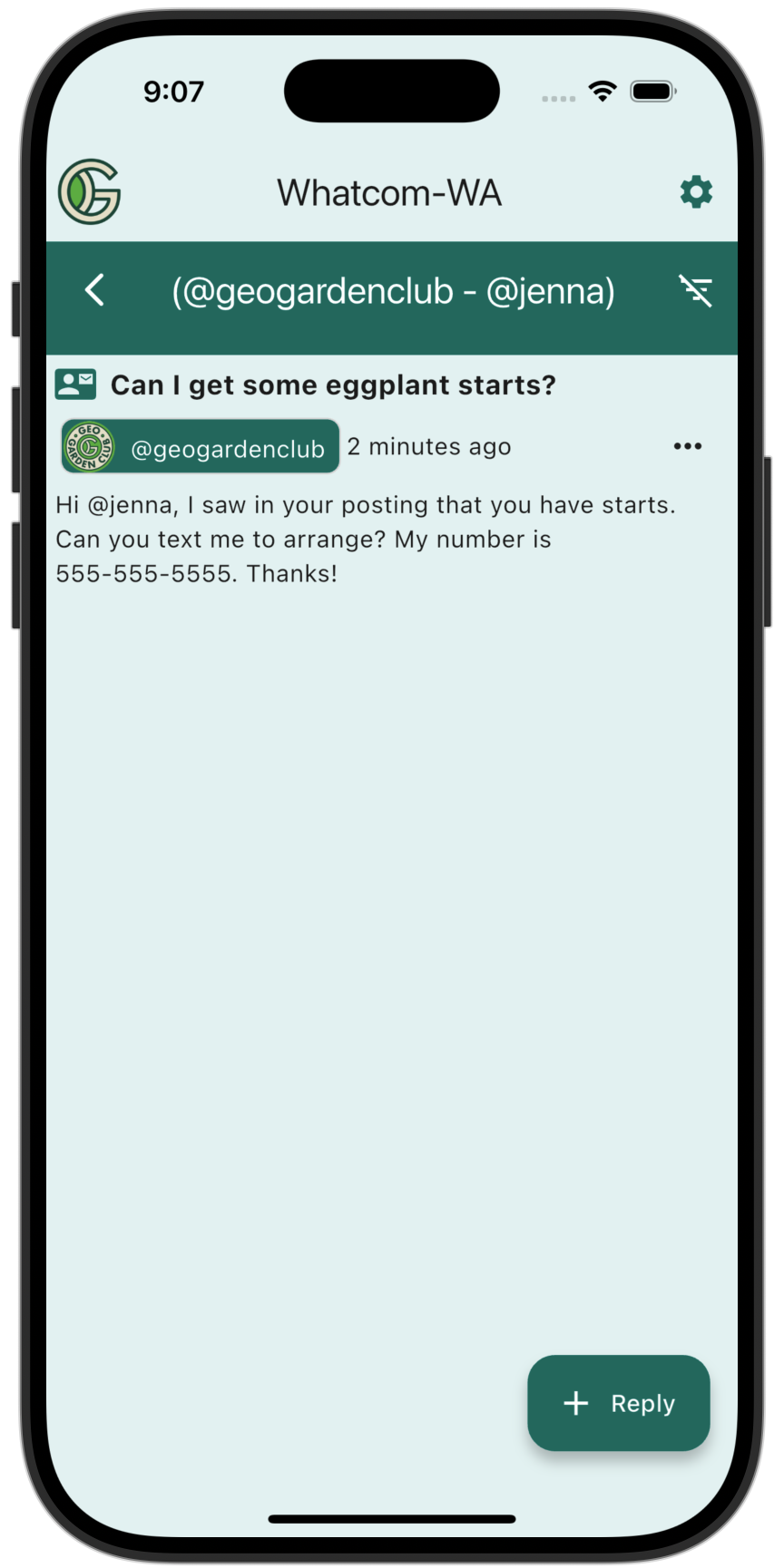
Click the three dots to edit or delete the Private Message.
There is the same "Reply" button at the bottom of a private message as for a public topic. However, in the case of a private message, only the original sender and recipient can see the replies.
To help ensure civil and respectful communication among chapter members, GeoGardenClub administrators can see all private communications. If you are ever privately messaged with inappropriate content, please contact us immediately at info@geogardenclub.com.