Families
There is a single Family database that is shared by all GeoGardenClub chapters.
Family Index
You can see all Families by going to the Drawer and tapping "Families" to display the Family Index screen:
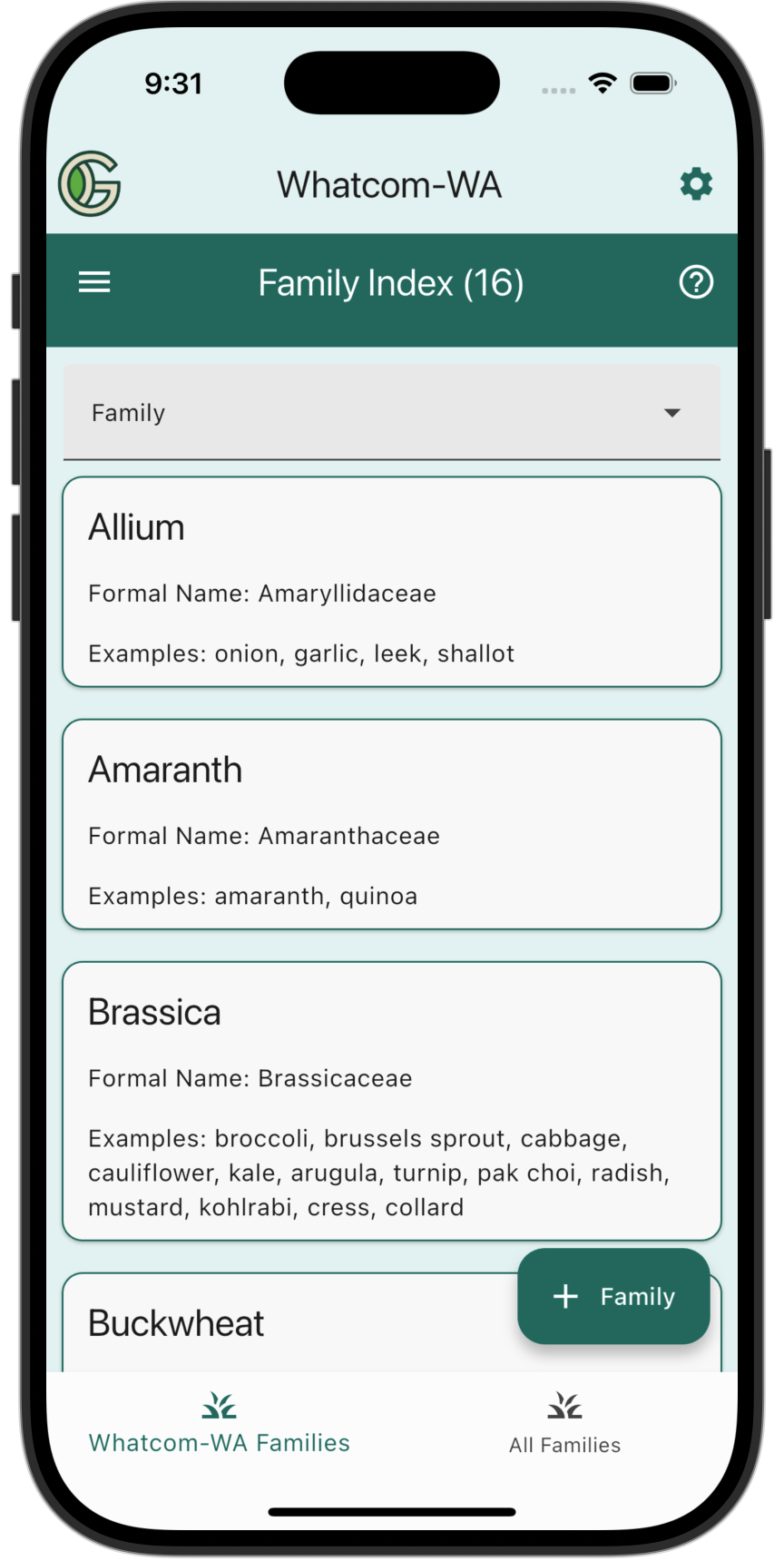
By default, the Family Index Screen displays only the Families that have been used in at least one Planting in your Chapter.
To display all the currently defined Families, tap "All Familie" at the bottom of the screen:
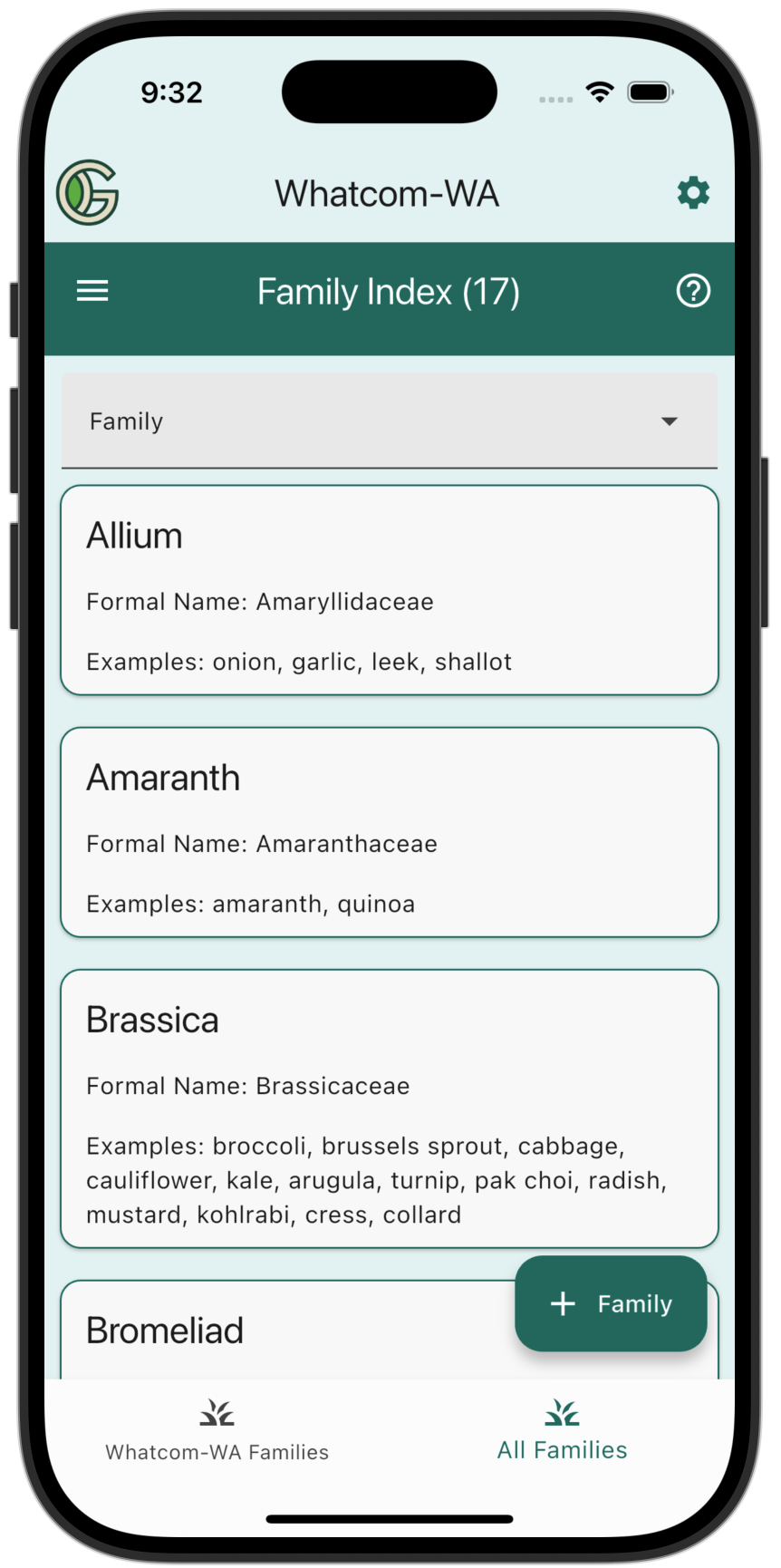
Use the pulldown menu to quickly access a specific Family rather than scrolling.
Create a Family
When adding a new Family, please capitalize each word for consistency with other Family names.
Note that there is an "Other" family that you can use instead of defining a new Family.
Tap the "+ Family" button to bring up the Create Family screen:
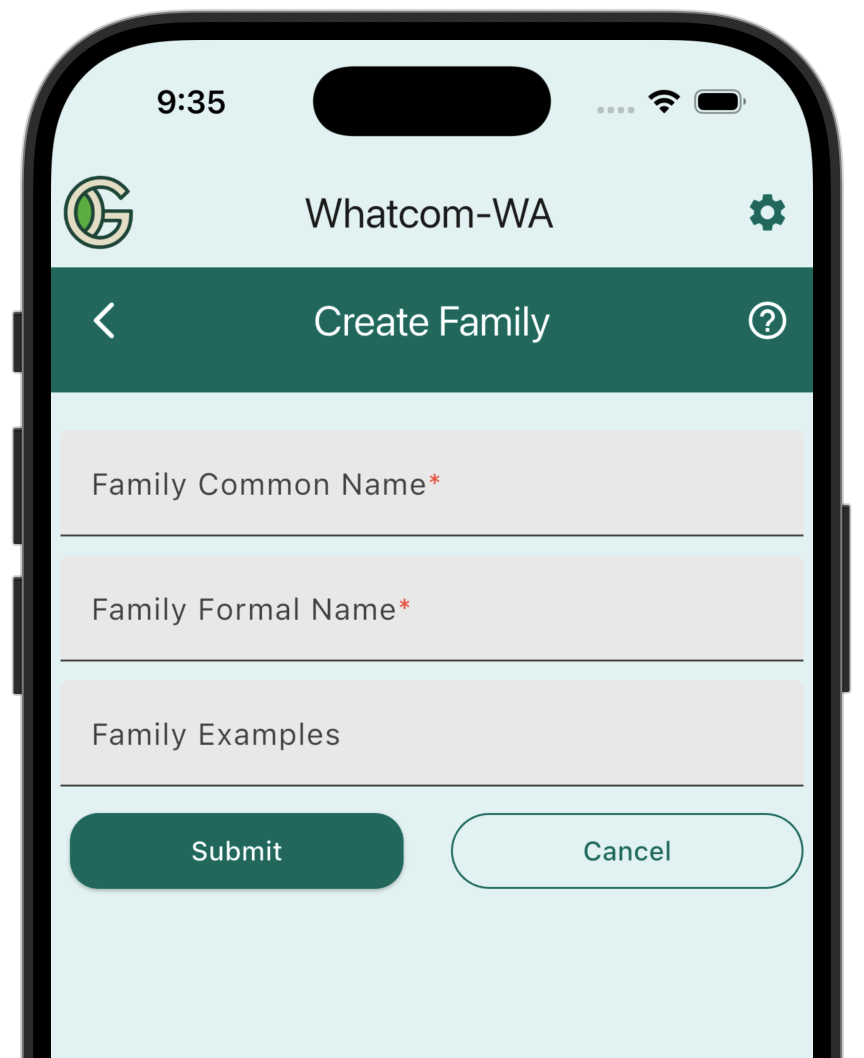
- Family Common Name: The common name, such as "Mint".
- Family Formal Name: The latin name, such as "Lamiaceae".
- Family Examples: Examples of crops in that family, such as "basil, mint, rosemary, sage".
Update/Delete Families
If a Family needs to be updated or deleted, please contact an admin by emailing info@geogardenclub.com.