Insights
Each time you bring up the GeoGardenClub app, it begins by displaying the Insights View. The Insights View consists of a number of "Insight Widgets", which are intended to help you be productive and make the most of GeoGardenClub.
Here is a screenshot that illustrates two Insight Widgets: "Get Started" and "Recent Chapter Activities":
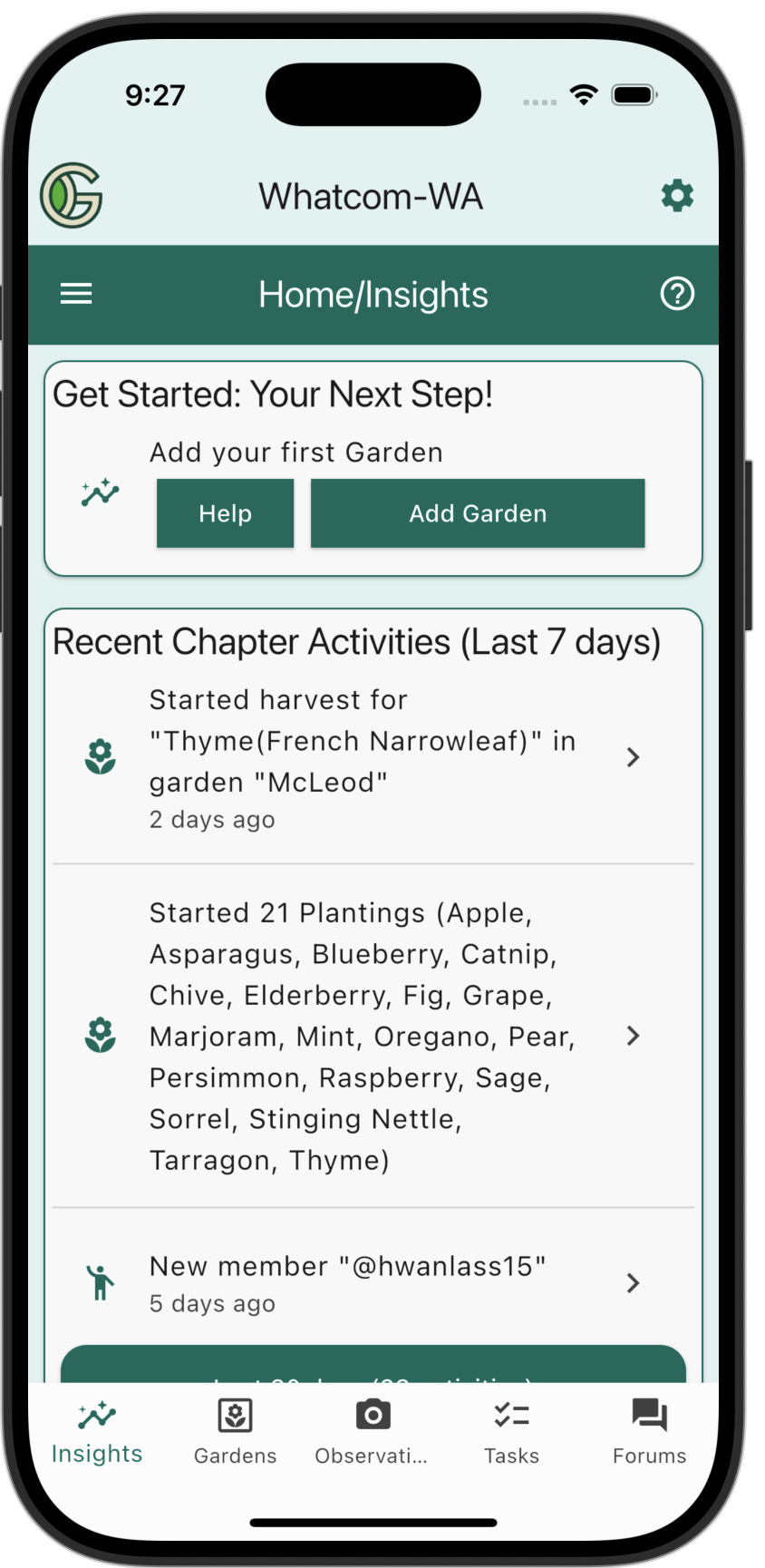
Get Started helps new GeoGardenClub members get productive by hinting at the next thing they need to do, while Recent Chapter Activities can provide new gardening ideas based on what other gardeners are doing at the current time.
Let's now look at each Insight Widget in more detail.
Insight Widgets
Free Preview
The seven days following profile creation is the "Free Preview" period, where you are able to access all features of GeoGardenClub without accepting a subscription. You will know you are in the Free Preview period because of the presence of the following Insight Widget:
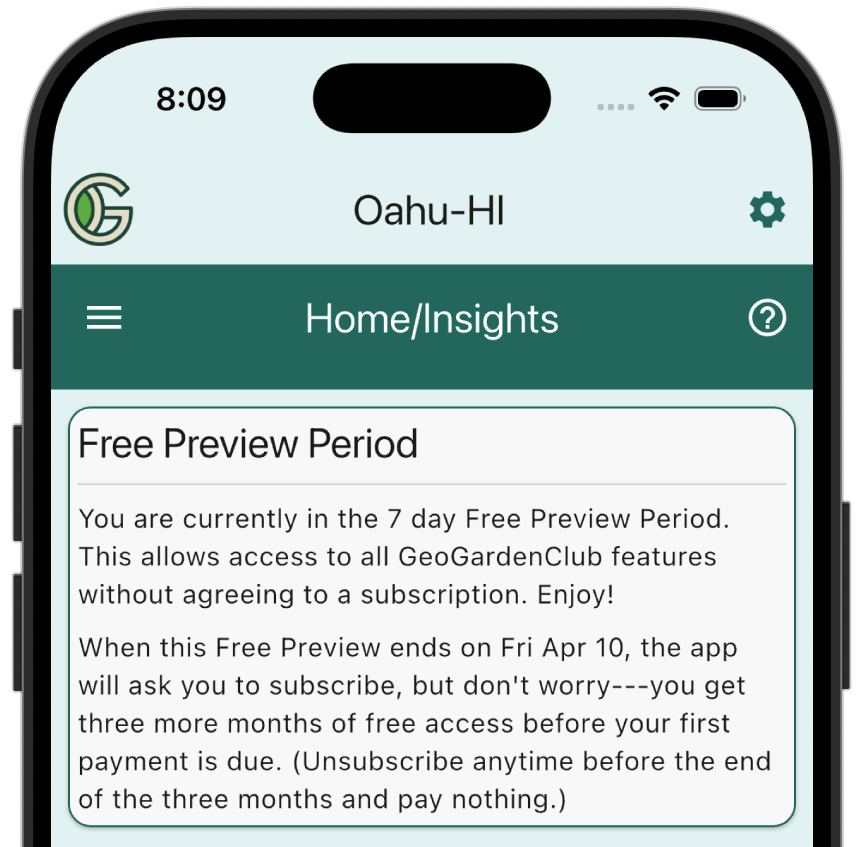
This widget disappears once the Free Preview period ends. At that point you will have to accept a subscription to continue to use GeoGardenClub.
Get Started
Getting productive in GeoGardenClub requires you to become familiar with five key features: Gardens, Beds, Plantings, Observations, and Outcomes. The Get Started Insight Widget is designed to help new users with an incremental introduction to these features.
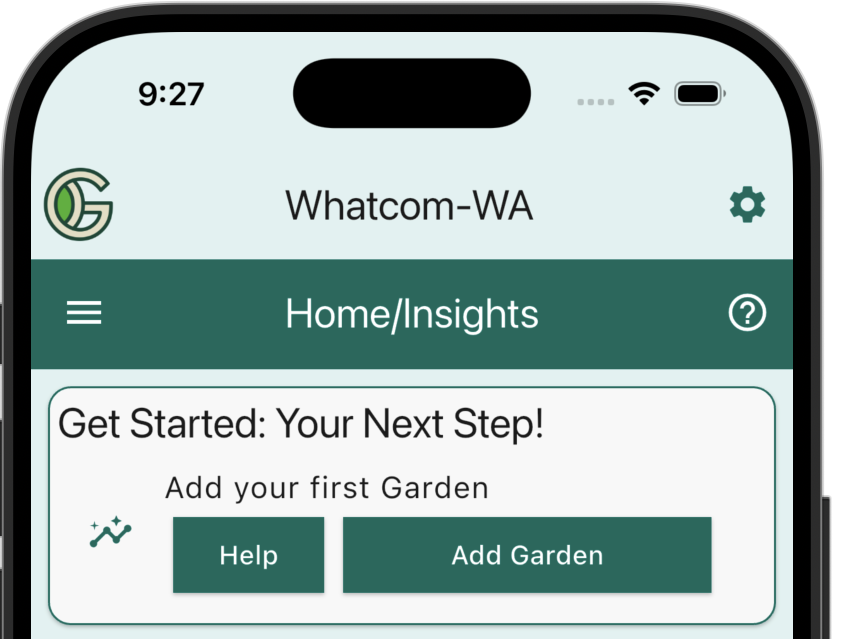
When you start using the app, the first thing you need to do is define a Garden. The Get Started Insight Widget checks to see if you have defined a Garden, and if not, it will display the "Add your first Garden" tile. This provides buttons that take you to helpful documentation, or directly to the Add Garden screen:
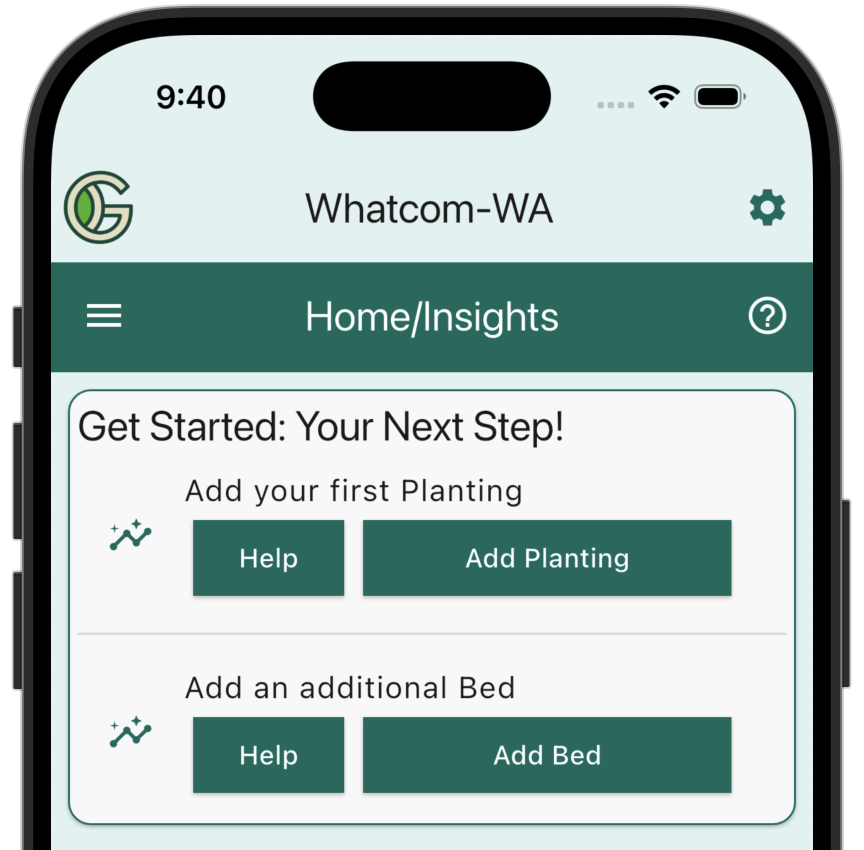
Once you have created a Garden, the Get Started Insight Widget will update to show what you might want to do next, which could be to create a Planting or create an additional Bed for your Garden:
The Get Started Insight Widget continues to update until you have worked with all five of the key features. At that point it will no longer appear in your Insights View.
Recent Chapter Activities
A core principle of GeoGardenClub is that your local community can be a key source of insight into how to garden more effectively. For example, you can learn from others what crops grow in your Chapter, and when to plant them.
The Recent Chapter Activities Insight Widget provides a way for you learn about what others in your community have been doing recently. Here's an example:
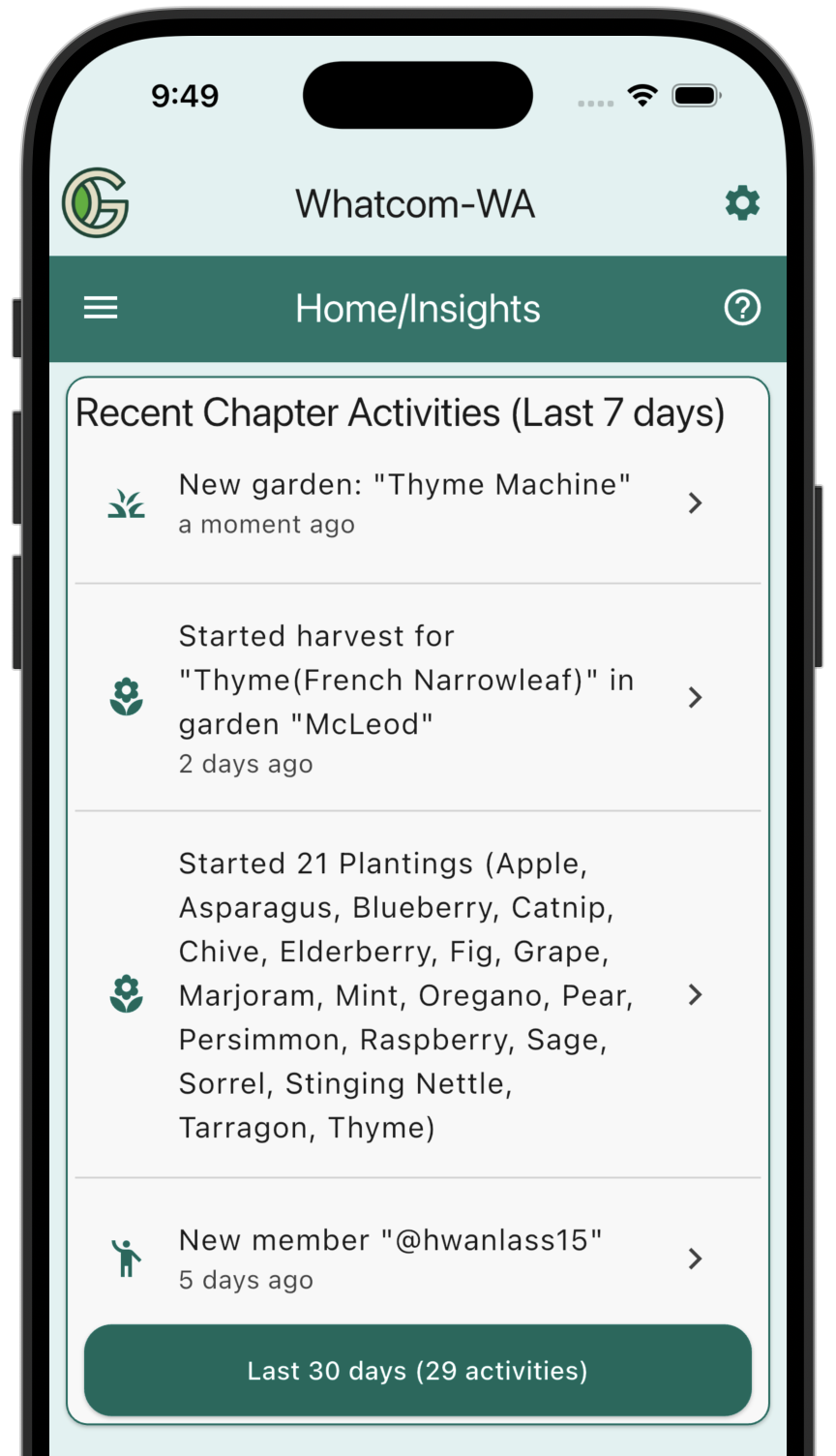
This shows that in this Chapter, during the past week, there has been one new Garden, one new Gardener, a Planting of Thyme has started harvest, and almost two dozen new Plantings have been started.
You can tap on any of these tiles to obtain more details. For example, tapping the first tile ("New Garden: Thyme Machine"), takes you to the summary view of that Garden:
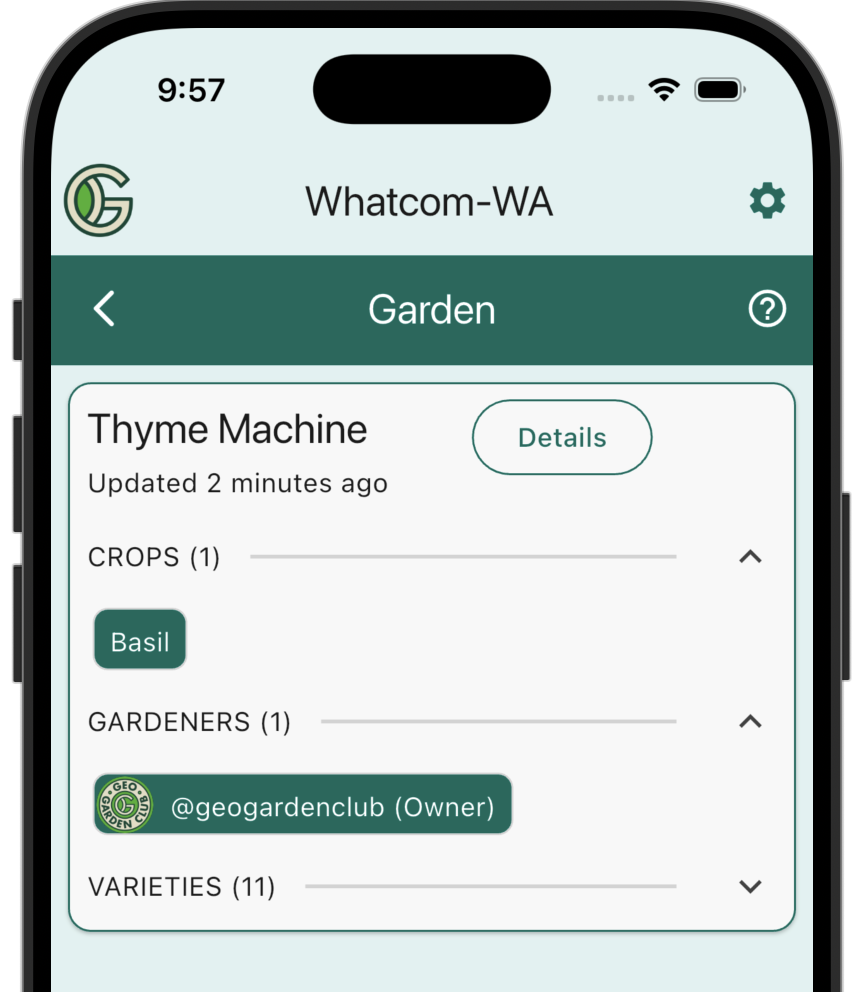
You can also tap on "Last 30 Days" to see activities in your Chapter for the past 30 days.
Upcoming Chapter Activities
It can be equally useful to see what gardeners are planning to do in their gardens in the near future. The Upcoming Chapter Activities Insight Widget provides this information. Here's an example:
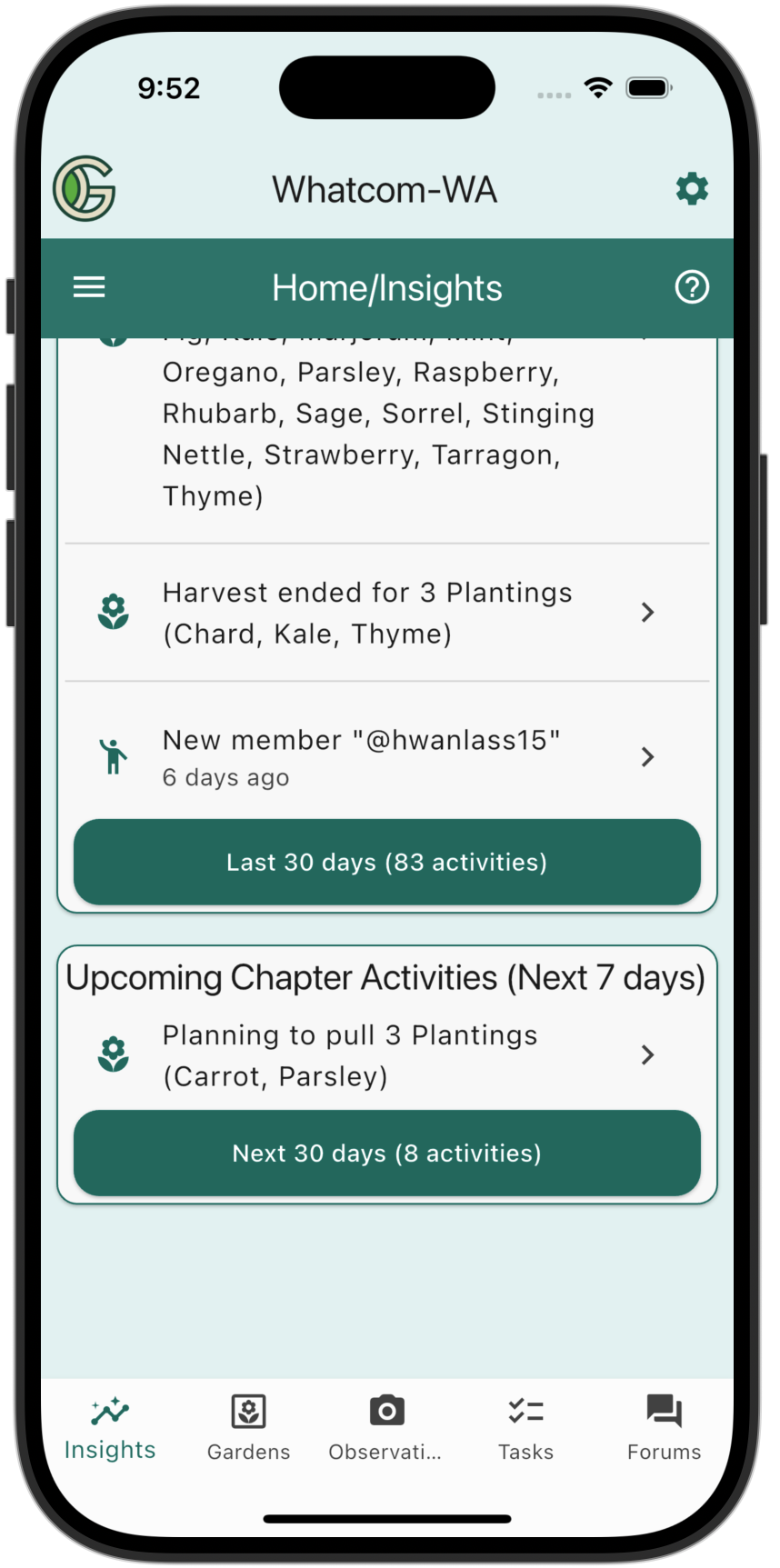
In this case, it turns out that one Planting is scheduled to be pulled in this Chapter in the next week.
You can tap on "Next 30 Days" to see what activities are planned in your Chapter for the next 30 days.
Weather
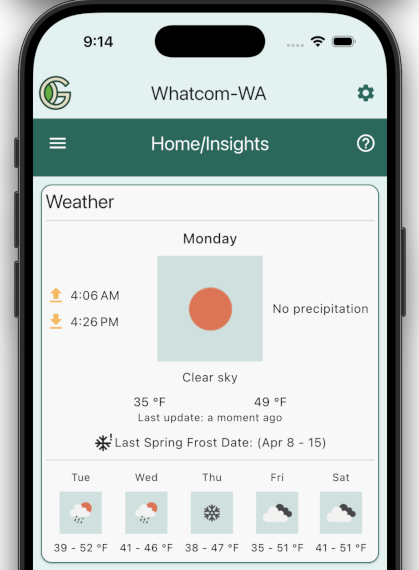
The Weather Insight Widget provides users with personalized current and forecasted weather conditions. The weather data is based upon the user's postal code and is updated every 24 hours using OpenWeather. Here's an example:
Community Connector
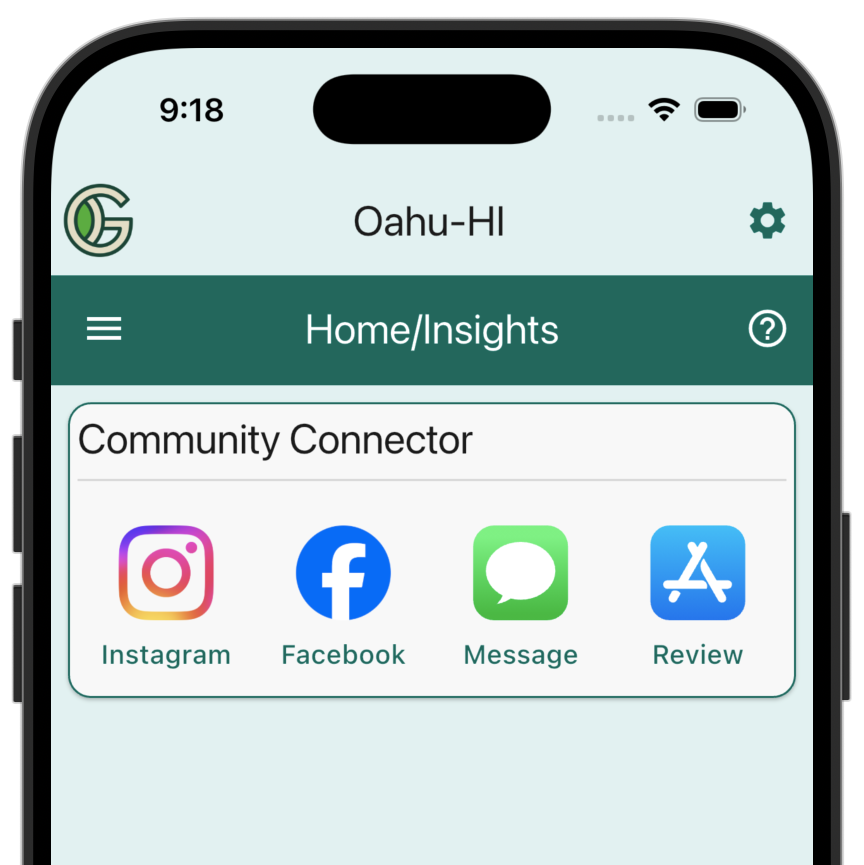
The Community Connector Insight Widget provides four links to help you engage with the GeoGardenClub community:
-
Instagram: Tap the Instagram icon to go to our GeoGardenClub Instagram account. We regularly post new stories about the community.
-
Facebook: Tap the Facebook icon to go to our GeoGardenClub Facebook account. We regularly post new stories about the community here as well.
-
Message: If you want to let a friend know about GeoGardenClub, just tap this icon. It will bring up your Text Messaging app prefilled with a link to GeoGardenClub.
-
Review. Providing a review of GeoGardenClub is a great way to help spread the word about our community. Tap this icon to go to the App Store (iOS) or Play Store (Android).
Lurk Mode
Many of the Insight Widgets are available in Lurk Mode. (For details on Lurk Mode, see Chapter Guide: Lurk Mode).
This Insights View in Lurk Mode provides a way for you to learn more about other chapters. For example, the following screen shot shows recent activities for a neighboring chapter:
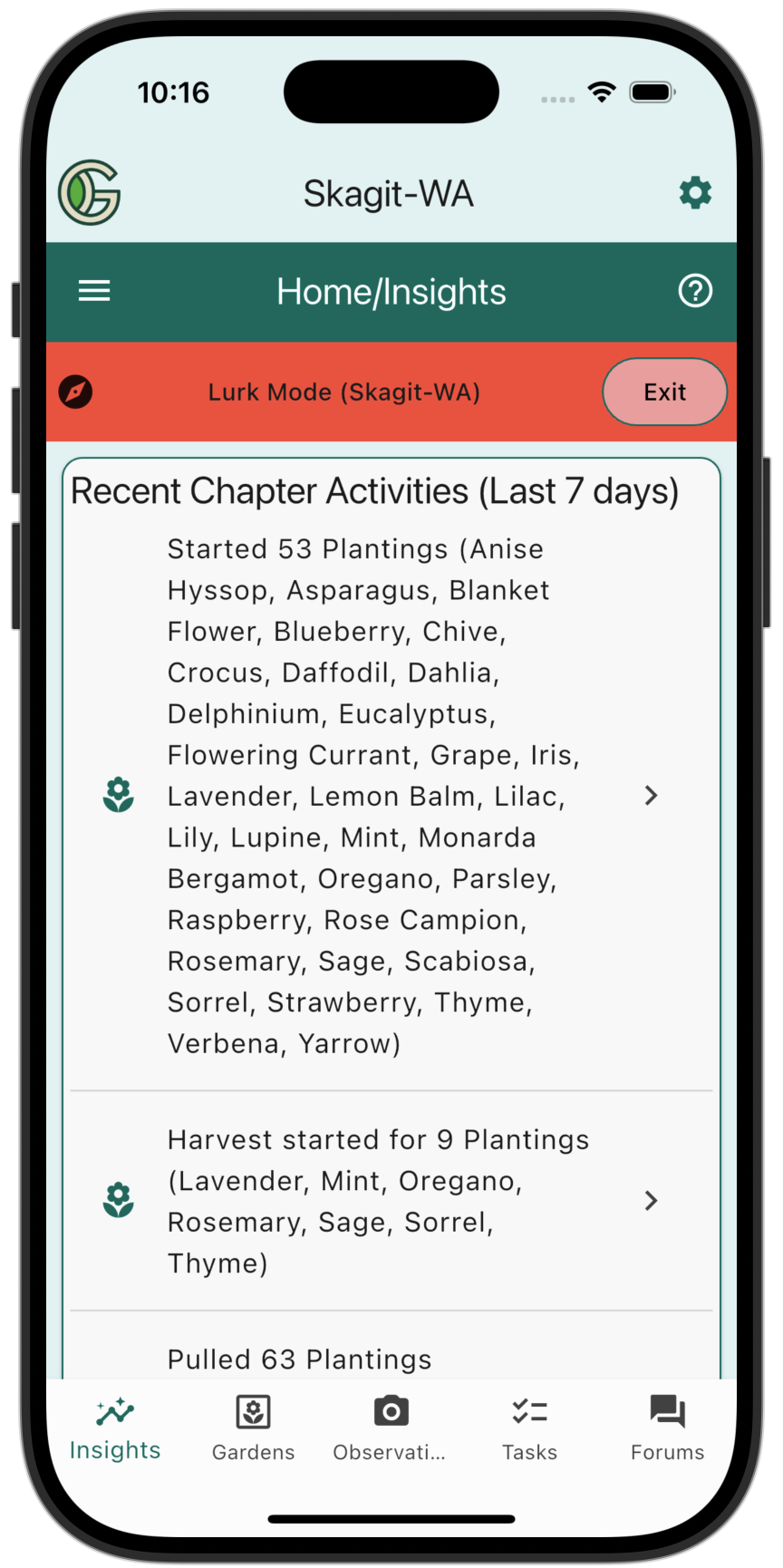
If you know of a Chapter in a similar geographic or climatic region, then lurking in that Chapter and viewing their Insights can provide useful information, including what to plant and when to plant it.