Export Data
The Export Data command provides a way for you to download your Planting data as a CSV file. This is useful, for example, if you wish to leave GeoGardenClub and preserve a copy of your data for future use.
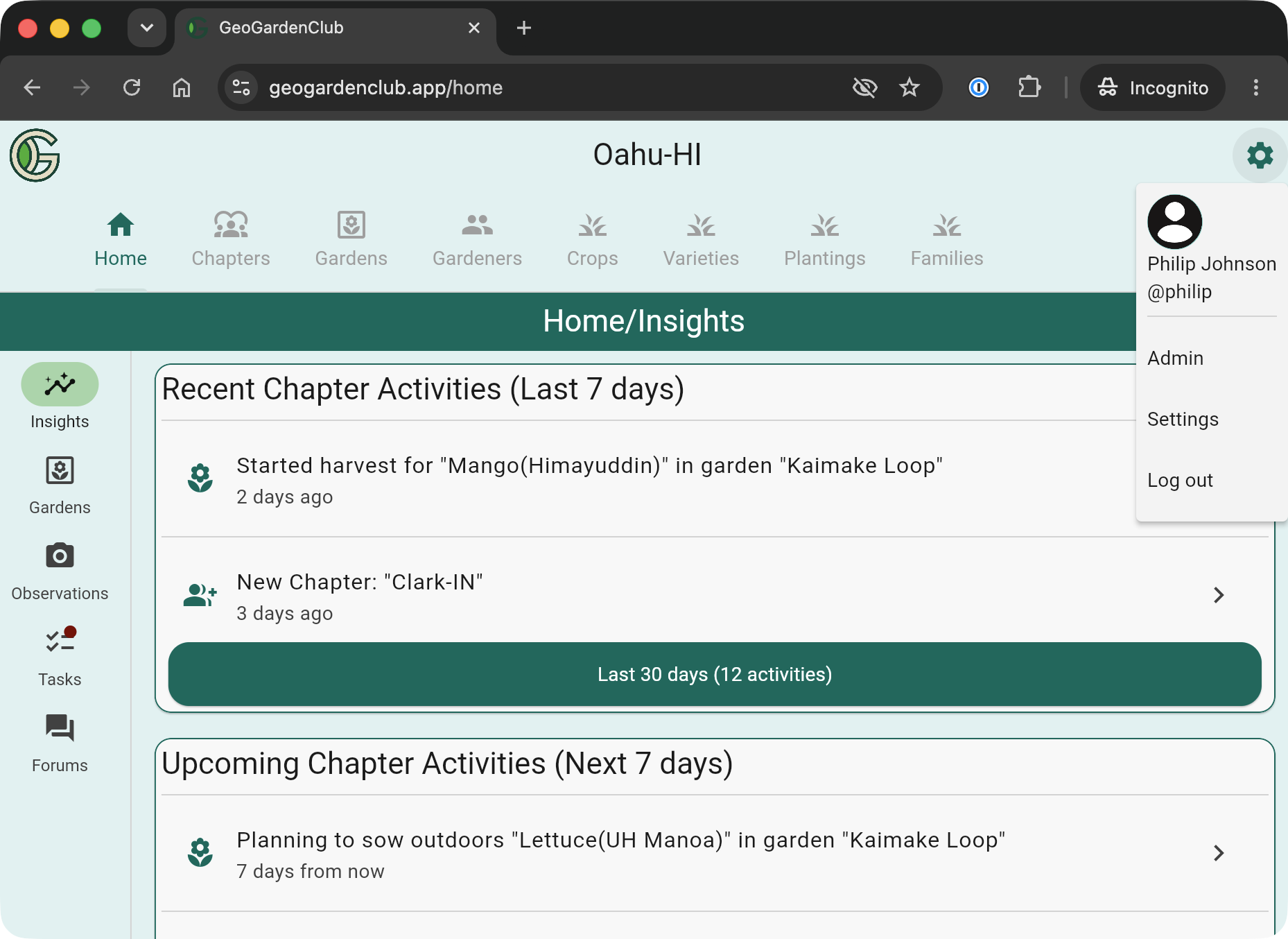
The Export Data command is only available via the web version of GeoGardenClub. To start, visit https://geogardenclub.app in a browser and login, then tap the Gear icon in the upper right corner of the screen to reveal the "Settings" menu item:
Tapping "Settings" takes you to the Settings screen:
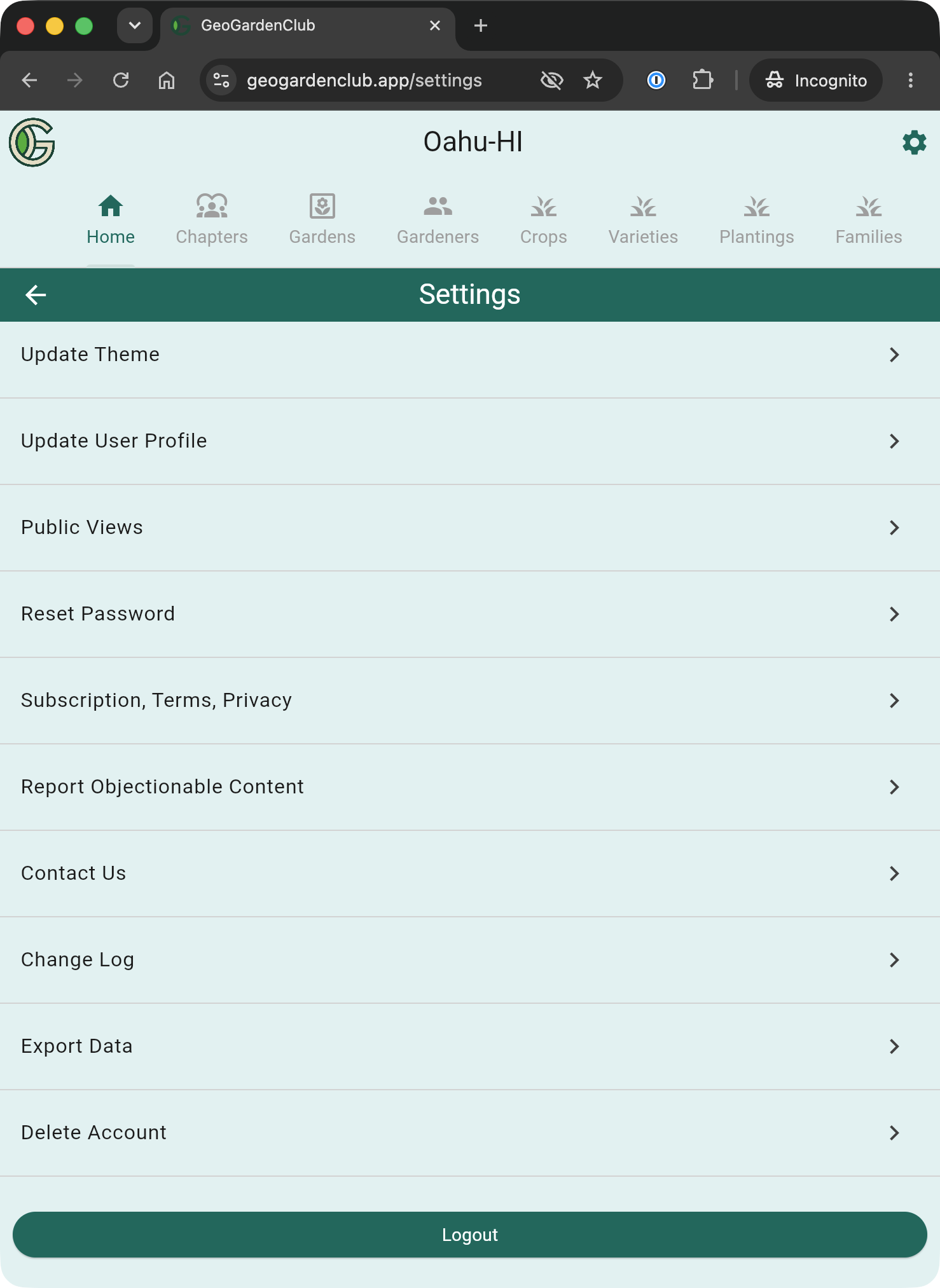
Next, tap "Export Data" to take you to the Export Data screen:
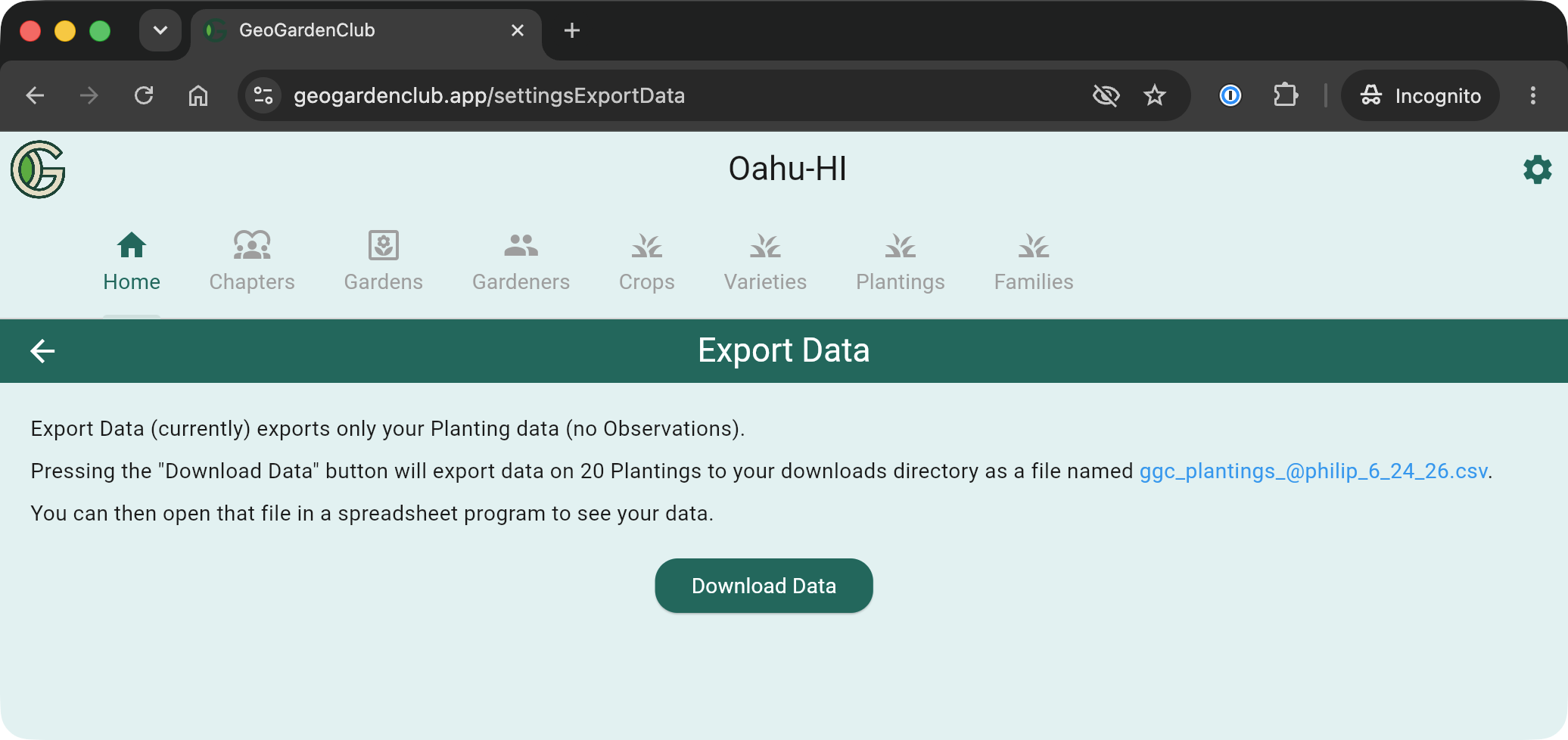
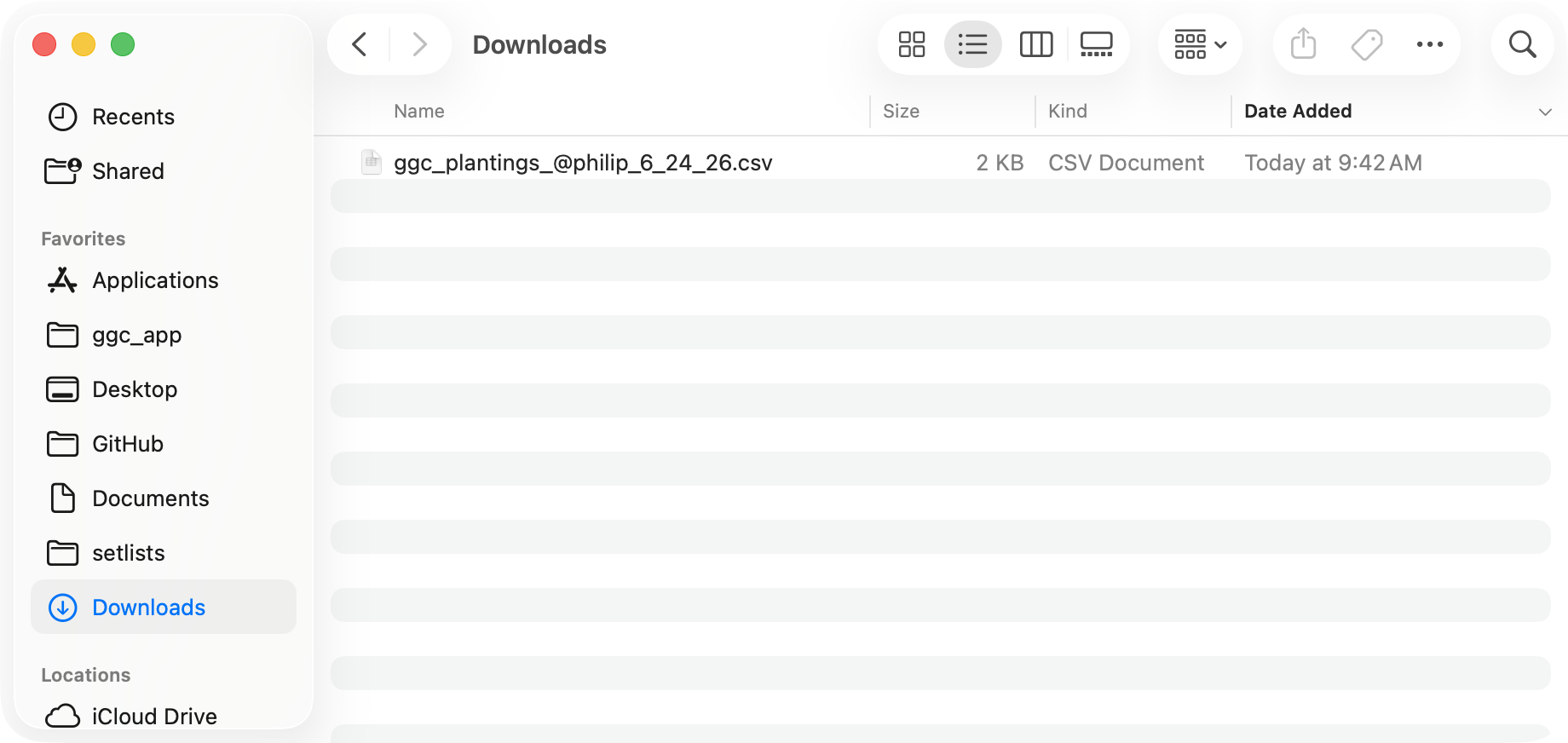
Tapping Download Data will download a file to your Downloads directory:
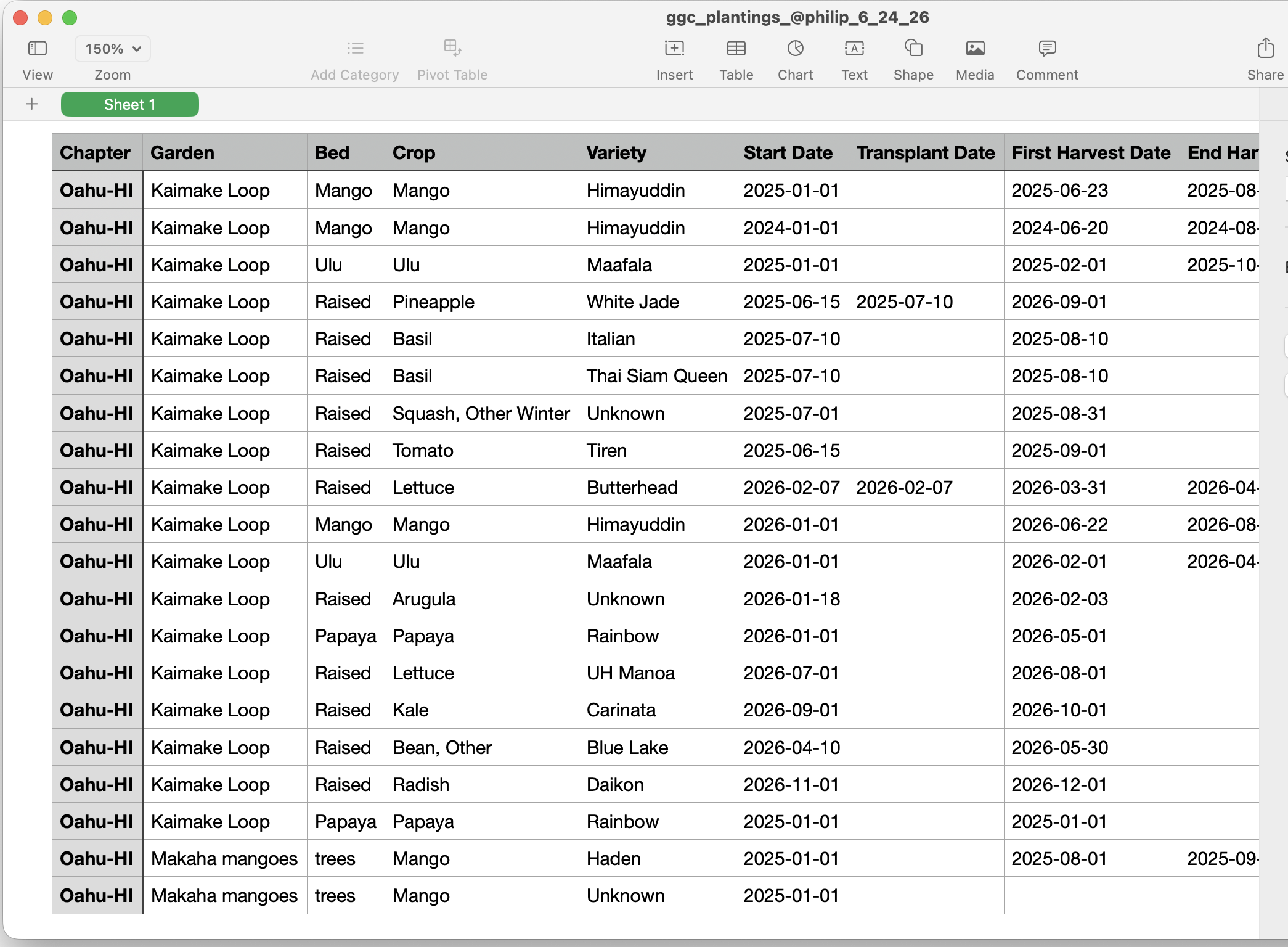
You can open that file in a spreadsheet program of your choice to view the data (not all fields are shown below):
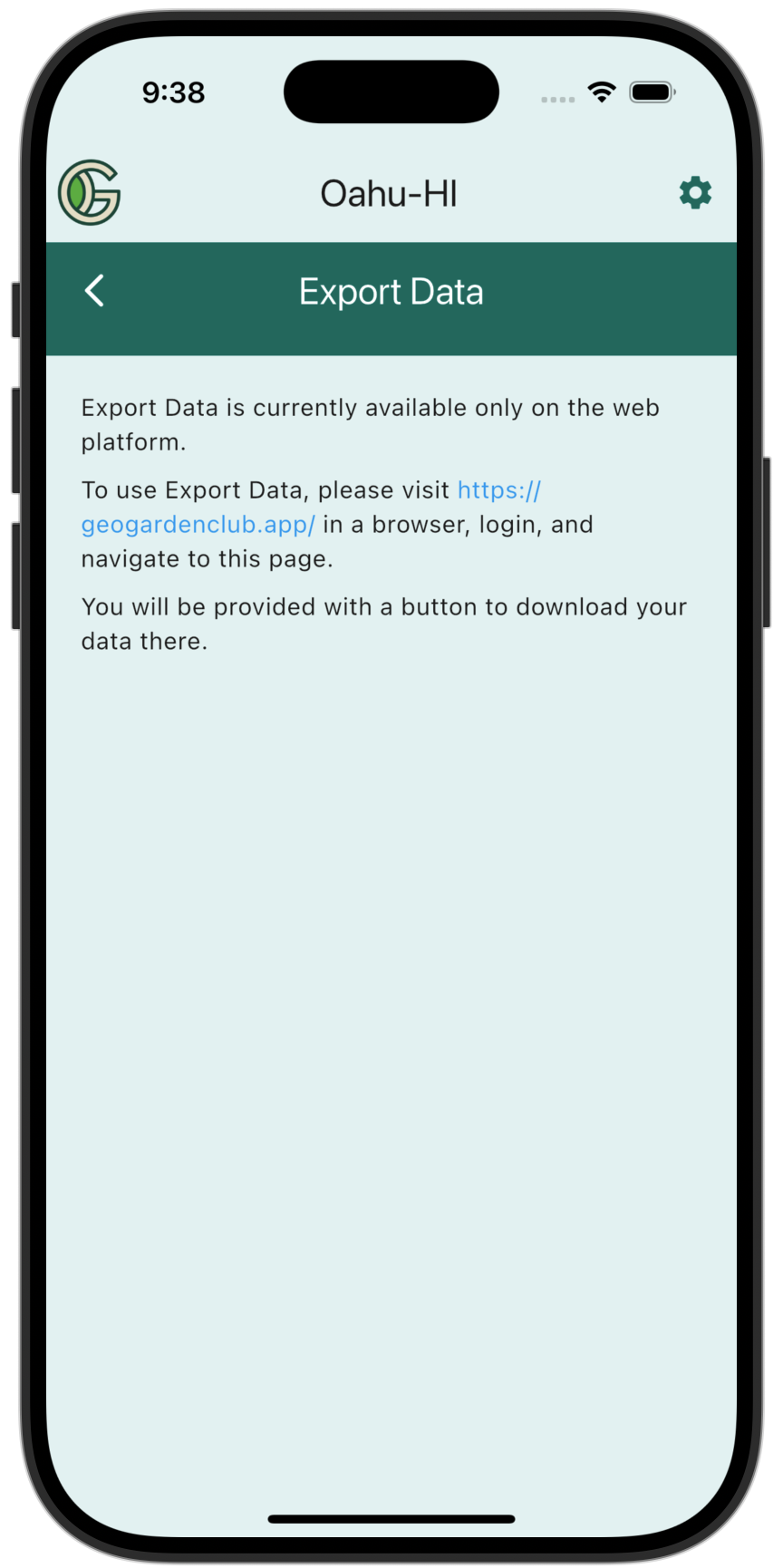
Note that if you go to the Data Export page on mobile, you will see the following: